To recover deleted messages on iPhone, check the Recently Deleted folder in the Messages app first, because deleted conversations stay there for 30 days. After that window closes, the only copies left are whatever an iCloud backup, a Finder or iTunes backup on your computer, or another Apple device signed into your Apple Account captured before the deletion.
Some messages come back in about two minutes. Others cannot be brought back by anything, and pretending otherwise wastes your afternoon and, worse, your data. This guide walks through each option in the order worth trying, with exact menu paths for current iOS versions, so you know before you start what each step costs you.
Table of Contents
- 1What You Need
- 2Step-by-Step
- 3How to Recover Deleted Messages on iPhone Using Recently Deleted
- 4Restore Messages from an iCloud Backup
- 5Restore Messages from an iPhone or iPad Backup
- 6Check iCloud Messages and Message Requesting
- 7Use a Third-Party Recovery Tool Only as a Last Resort
- 8What You Can Do If the Messages Are Permanently Gone
- 9Common Mistakes
- 10Frequently Asked Questions
- 11Are deleted text messages permanently gone?
- 12How long does Apple keep deleted messages?
- 13Can I recover messages I deleted from Recently Deleted?
- 14Does iCloud save deleted text messages?
- 15Why can’t my carrier recover my iMessages?
- 16Is there a way to view deleted messages without recovering them?
- 17Conclusion
What You Need
Recovery mostly depends on what you already have access to, so gather a few things before you begin.
- An unlocked iPhone with your passcode. A locked device cannot restore a backup, and iCloud backup access needs your Apple Account password.
- Your Apple Account password. Two-factor authentication usually means you need a trusted device or a phone number nearby to get the verification code.
- A recent backup, either in iCloud or on a computer you still use. Check this before anything else, because restoring is far easier when you know which backup to use.
- A Mac or trusted computer if the plan is to restore from a Finder or iTunes backup. A second device is not required for the Recently Deleted method.
- Free storage on the iPhone. Restoring a backup can temporarily need more room than you currently have, and a full phone causes restores to fail.
- The other person, for anything recent. A forward or a screenshot often beats every technical option, though asking twice is a bit awkward.
Step-by-Step
Work down this list in order. Each method is cheaper and less risky than the one after it.
How to Recover Deleted Messages on iPhone Using Recently Deleted
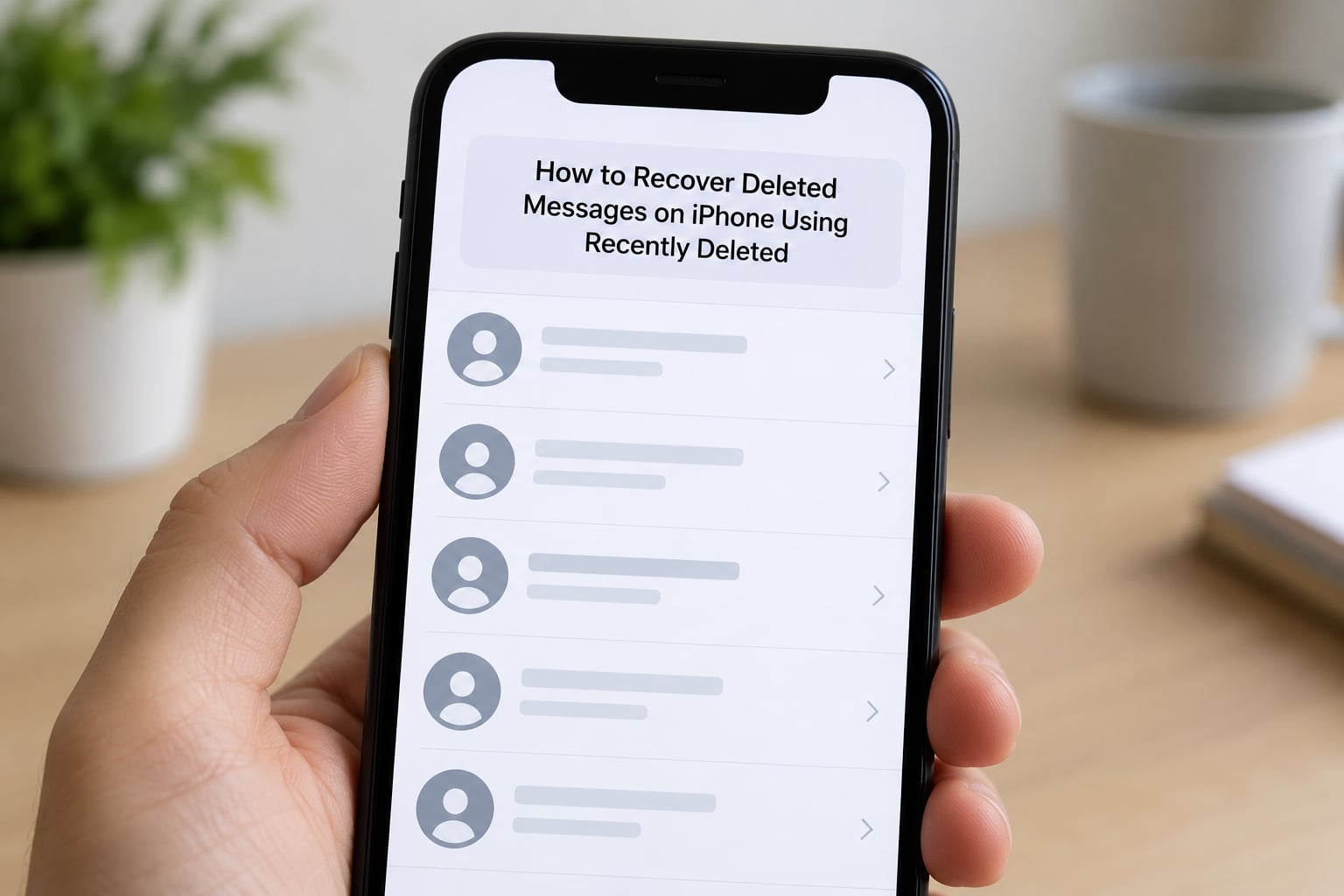
This is the fastest path and the only one that costs nothing. When you delete a conversation on iOS, it does not vanish instantly, it moves to a holding folder that empties itself after 30 days. On iOS 17, 18 and later the folder sits behind the Filters tab at the top of the Messages conversation list.
- Open the Messages app.
- Tap Filters, then Show Recently Deleted.
- Tap the conversation, not the message.
- Tap Recover at the top right.
- Confirm Recover again.
Recovered conversations return to the exact thread they were deleted from, with their attachments, timestamps and read status intact. Messages inside a conversation also go to Recently Deleted when you delete them one at a time, so you can fish out a single text the same way.
On iOS 16 and earlier, the route differs slightly. Open Messages, tap Edit in the top left, then Show Recently Deleted. If you see no Edit button, your account is on an older iOS version where the folder lives under Settings, which is worth knowing before you spend an evening hunting for it.
If Recently Deleted is empty, the 30 days have passed or the messages were cleared from there too. Nothing else in this guide will bring those specific messages back, so move on to the backup options rather than re-checking the folder repeatedly.
Restore Messages from an iCloud Backup
An iCloud backup captures your messages at a moment in time. If one of those backups was taken before the deletion, the messages are inside it.
Open Settings, tap your name at the top, then iCloud, then Manage Account Storage, then Backups. Each entry shows a date and a device name. You are looking for a backup older than the day you deleted the conversation, because a backup taken after the deletion will not contain it.
Restoring replaces the current contents of the iPhone with that older snapshot. Photos, notes, apps and settings from after the backup date go with it, which is why people back up manually before they restore. If you only need to read one message, restoring everything to get it is a heavy trade, so look at the other options first.
One more thing worth knowing: iCloud backups are encrypted end to end, and Apple cannot restore a backup for you. If you have lost the backup password, nobody can open that backup, including support.
Restore Messages from an iPhone or iPad Backup
Local backups live on a Mac or Windows computer and are the better bet when iCloud storage is small or unused.
On macOS, connect the iPhone with a cable, open Finder, and pick your device from the sidebar. On Windows, open iTunes, click the phone icon, then the Backups tab. Either way you land in Manage Backups, where each file is listed by date and device. Select the one you want, choose Restore, and confirm.
The restore replaces everything on the iPhone, so back up the current phone first if there is anything on it you cannot lose. You need roughly as much free space on the computer as the backup is large, and the computer has to be trusted by the phone, which means unlocking it and tapping Trust on the prompt that appears.
There is a gentler alternative that forum users recommend more often than a full restore. Older iTunes backups are stored as files with the .ipswb extension, and the messages inside can be read by recovery tools without erasing anything on the phone. That keeps your current data untouched while you look for the conversation.
Check iCloud Messages and Message Requesting
Two iCloud features confuse people into thinking deleted messages will reappear, so it is worth being clear about what they do. The Keep Messages setting, found under Settings, then your name, then iCloud, then Messages, controls how long iCloud keeps messages in the cloud when they are deleted. Turn it on and deleted messages sit in iCloud for 30 days before being removed, turn it off and they leave iCloud immediately.
Message Requesting, under Settings, then Messages, works the other way around. It filters texts from numbers not in your contacts into a separate folder so you can review them, and it can hold a message from an unknown sender for up to 30 days. Neither feature restores something you deleted, they only affect what arrives and how long a copy lingers.
The sync path that genuinely helps is a second device. If a Mac, iPad or another iPhone is signed into the same Apple Account with iMessage enabled, it may still hold the conversation. Look there before you restore anything, since a copy on a working computer is the single most promising lead.
Use a Third-Party Recovery Tool Only as a Last Resort
Paid recovery software scans backup files and old storage blocks for fragments of messages. It works sometimes, and the sometimes is doing real work there.
Make a current backup before running any of these tools, since scanning operations can be unpredictable. Point them at an old iTunes or iCloud backup file where possible, because recovery from a backup is far more reliable than recovery from a live phone where the deleted data has already been overwritten. Free versions usually preview a handful of items and then ask you to pay, and none of them can recover data that no longer exists.
Walk away from any service promising guaranteed recovery of permanently deleted messages. There is a large market of fake iPhone recovery apps that do nothing except collect a fee, and some request a full device passcode, which no legitimate tool needs. Jailbreak-based extraction, where the message database is pulled directly off the device, carries real security and warranty risk and is not a sensible route for an ordinary iPhone.
What You Can Do If the Messages Are Permanently Gone
When the message itself is beyond recovery, the useful work moves to copies held by other people and devices.
Ask the sender to forward the conversation. They still have their side of the thread, and a forwarded screenshot or a text export is usually more useful than anything else on this page.
Check your other Apple devices, and remember that the Mac or iPad may not have synced the deletion yet. Signing the Mac out of iMessage or toggling Messages off and on in iCloud will often pull the older copy back down.
Search your notification history. Notifications are cached separately from Messages, so a message that was visible on the lock screen can survive the conversation itself, even though screenshots are a far cleaner record.
Look for copies elsewhere in your email, WhatsApp, Signal or other chat apps. People often move a chunk of a conversation to another app for safekeeping, and search by a distinctive word from the message rather than a name.
Contact your carrier for SMS only. Blue iMessages are end to end encrypted and never reach carrier servers, so your carrier has nothing to hand over, but green SMS and MMS texts may still exist in their systems. Carriers generally charge a fee and may need a police report for anything beyond a simple request.
If you need the conversation as evidence in a dispute, screenshots alone can be challenged. Note the date, keep the original device, and save a copy to a location the other side cannot reach, and for court use ask a local legal professional how evidence has to be presented.
Common Mistakes
Restoring the wrong backup. A backup taken after the deletion will not contain the messages. Check every date in Manage Account Storage and pick one from before the day they vanished.
Erasing the phone before checking what exists. The restore path asks you to erase or replace the device, and doing it before confirming a usable backup can leave you with nothing at all. Check first, erase second, and only after a current backup exists.
Looking for messages in Recently Deleted in the Files app. That folder is for deleted files and photos. Text conversations only ever appear in the Recently Deleted view inside the Messages app.
Ignoring iOS version differences. Current versions use Filters, then Show Recently Deleted, while iOS 16 and earlier use Edit. If the button is not where the guide says, check Settings, General, About for your iOS version.
Trusting a guaranteed-recovery service. Any tool claiming a 100 percent success rate on permanently deleted messages is selling something. Real recovery depends on whether the data still exists in some form.
Frequently Asked Questions
Are deleted text messages permanently gone?
It depends entirely on how old the deletion is. Messages deleted within the last 30 days sit in the Recently Deleted folder in the Messages app and can be restored to their original conversation in seconds. Older than 30 days, the only possible copies are an iCloud or computer backup taken before the deletion, or a copy still held on a Mac, iPad or another iPhone. Messages cleared from Recently Deleted itself, or from a backup that postdates them, cannot be recovered by anything.
How long does Apple keep deleted messages?
Apple keeps deleted messages in the Recently Deleted folder for 30 days on the device. If you turn on Keep Messages under Settings, then your name, then iCloud, then Messages, a copy also stays in iCloud for up to 30 days after you delete it. Turn that setting off and the iCloud copy is removed immediately. After the window closes on both sides, the messages are gone unless a backup captured them earlier.
Can I recover messages I deleted from Recently Deleted?
Not from the phone itself. Clearing a conversation out of Recently Deleted removes the last on-device copy, and iOS gives no undo and no grace period for that second deletion. Your remaining options are an iCloud backup from before the original deletion, a Finder or iTunes backup on a computer, another Apple device signed into the same Apple Account, or asking the person you were messaging to resend it.
Does iCloud save deleted text messages?
Only if you switch on Keep Messages, which sits under Settings, then your name, then iCloud, then Messages. With that setting enabled, deleted messages remain in iCloud for 30 days before being removed. With it disabled, they disappear from iCloud straight away. Separately, iCloud Backup takes a full snapshot of your data on its own schedule, so a backup made before the deletion can still contain the conversation.
Why can’t my carrier recover my iMessages?
iMessages, the blue-bubble ones, are end to end encrypted. They travel directly between your devices and your contact’s devices, and the carrier never holds a readable copy, so there is nothing for them to hand back. Green SMS and MMS texts do pass through carrier systems and may be retrievable, usually for a fee and sometimes only with a police report attached.
Is there a way to view deleted messages without recovering them?
There is no built-in viewer for deleted messages. The Recently Deleted folder shows what is still recoverable, and there is no read-only mode for it. Your closest option is to check a Mac or iPad signed into the same Apple Account, since it may still show the conversation even after the iPhone has deleted it. Notification history can also reveal messages that were visible on the lock screen before the thread was removed.
Conclusion
Recover deleted messages on iPhone in this order: check Recently Deleted first, since anything deleted in the past 30 days comes back in seconds. Then protect what you currently have with a fresh backup, confirm which backup predates the deletion, and only then restore that iCloud or computer backup, accepting that newer data will be replaced.
Before paying anyone, check the Mac or iPad on your Apple Account and ask the other person to resend the thread. When there is no backup and no second copy, recovery is genuinely finished, and knowing that early is kinder to yourself than an afternoon of trial versions and restore failures.