To recover an Apple Account password, use a device that is already signed in: open Settings, tap your name, then Sign-In & Security and choose Change Password. If no device is signed in, go to account.apple.com and use the Forgot password link. A trusted device takes about a minute; starting from scratch with no trusted device or phone number can take days.
The password you are chasing is the one that unlocks iCloud, the App Store, Find My and your subscriptions. It is not the six-digit passcode on your iPhone, and mixing the two is the single most common reason people get stuck.
Apple renamed Apple ID to Apple Account across its apps, so older tutorials using the old name send you looking for menus that no longer exist. The labels below match current iOS, iPadOS and macOS as of 2026.
Table of Contents
- 1What You Need
- 2Step-by-Step
- 3How to Recover an Apple Account Password on iPhone or iPad
- 4How to Recover an Apple Account Password on Mac
- 5Reset a Forgotten Password at account.apple.com
- 6What to Do If You Cannot Access the Recovery Account
- 7Common Mistakes
- 8Frequently Asked Questions
- 9Is an Apple Account the same as an iCloud account?
- 10What should I do if I no longer have access to my recovery email or phone number?
- 11Does two-factor authentication make password recovery harder?
- 12Can Apple Support reset my Apple Account password for me?
- 13Why does my Apple Account password reset not work on my iPhone?
- 14Should I sign out of iCloud after changing my Apple Account password?
- 15Conclusion
What You Need
Recovery goes smoothly when you already have most of these. Check the list before you start.
- A trusted Apple device. Any iPhone, iPad or Mac currently signed in to the account. One signed-in device is enough, and it is by far the fastest route.
- That device’s passcode. You need to enter it to confirm the change, even when you do not remember the Apple Account password.
- The trusted phone number or a second trusted device. Two-factor authentication sends a six-digit verification code to one of these.
- The Apple Account email address. Useful for the web route and for receiving the reset link if codes do not arrive.
- A private network. Avoid public Wi-Fi at a cafe or airport while you are entering account credentials.
One more thing worth saying plainly: there is no third-party app, tool or service that can reset an Apple Account password for you. Anyone offering one either wants money or wants your verification code. Use Apple’s own pages at account.apple.com or iforgot.apple.com, and type the address yourself rather than following a link from an email.
Step-by-Step
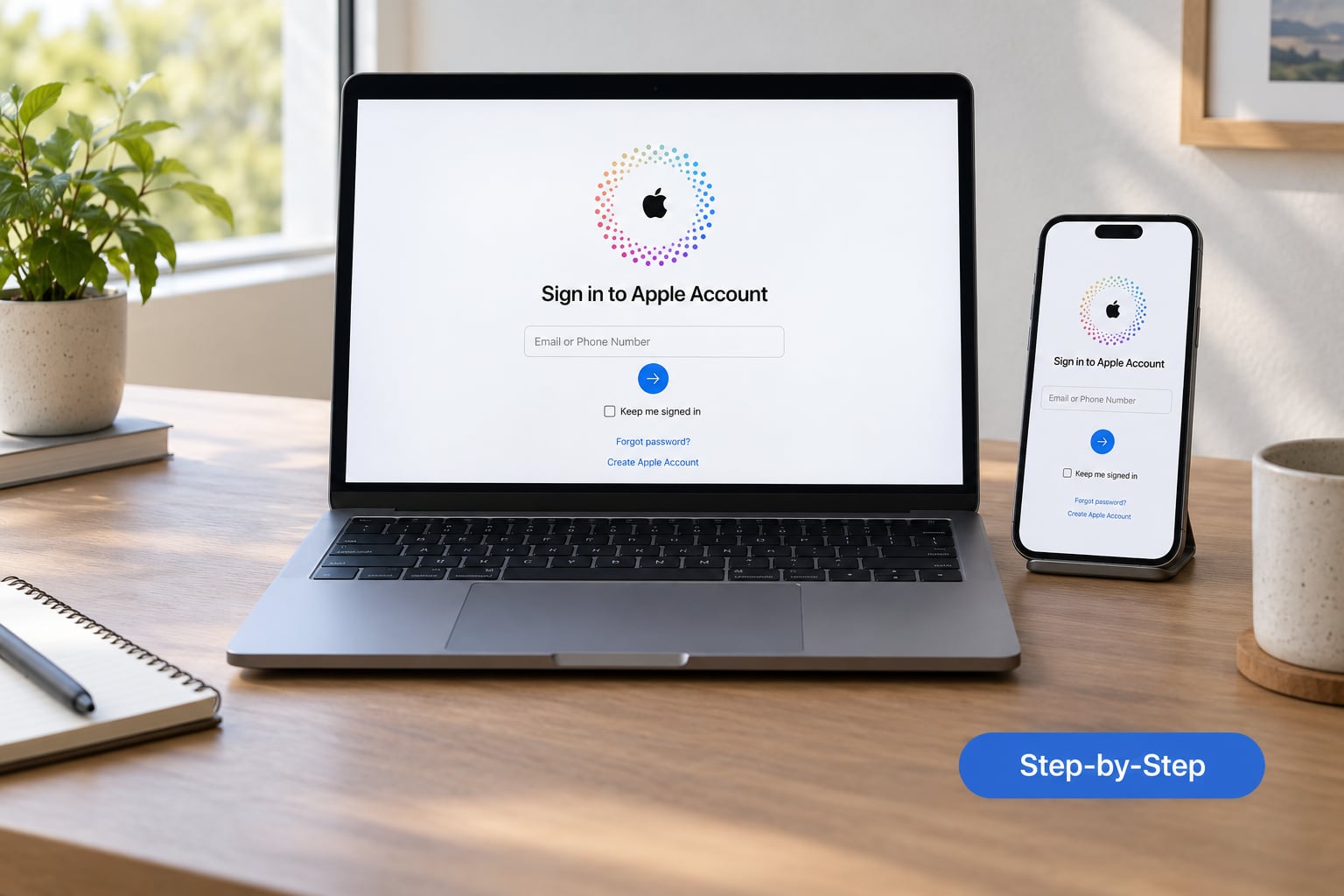
How to Recover an Apple Account Password on iPhone or iPad
This is the method to try first whenever you can unlock a device that is still signed in.
- Open the Settings app and tap your name at the top of the list.
- Tap Sign-In & Security. On some iOS and iPadOS versions this section is called Password & Security; it sits right below iCloud, Find My and Wallet.
- Tap Change Password.
- Enter your device passcode when prompted.
- Type the new Apple Account password twice, using at least eight characters with a number and a capital letter.
You will know it worked when the page returns to the Apple Account screen and the new password is accepted in iCloud or the App Store. If your password was flagged as compromised, the same path will nag you to change it after every sign-in until you pick something unique.
One caveat worth planning around: if Stolen Device Protection is switched on for your account, Apple deliberately holds new password changes for about an hour after a device is removed or erased. Nothing is broken. You wait, then repeat the steps.
If you do not see your name at the top of Settings, the device is signed out. Jump to the browser method below instead.
How to Recover an Apple Account Password on Mac
On a Mac, the same path exists with slightly different labels.
- Open System Settings from the Apple menu.
- Click your name in the sidebar to reach your Apple Account page.
- Click Sign-In & Security, then Change Password.
- Enter the Mac login password to authorise the change, then type and confirm the new Apple Account password.
With two-factor authentication turned on, the Mac will offer to send a verification code to your trusted phone number or another device. Approve it on that device if you can, or read the code out loud on the Mac.
If your Mac is signed out, open the App Store on that Mac. Your Apple Account name appears at the bottom left of the sidebar, and choosing Sign In brings up the same panel with a password field and a Forgot password link.
Managed accounts are a separate case. If your Mac shows a blue or purple organisation banner near the account name, the account belongs to a school or employer and the password is controlled by them. Your administrator resets it, not you, and the Change Password option may be greyed out entirely.
Reset a Forgotten Password at account.apple.com
Use this route when you have no signed-in device, or when the device route fails verification.
- Go to account.apple.com or iforgot.apple.com. Both reach the same sign-in page, so the older URL still works.
- Enter your Apple Account email address or phone number on the sign-in page, then choose Forgot password?
- Follow the prompts: Apple offers to send a verification code to a trusted device or phone number, or to email you a reset link.
- Complete the code or click the link, then choose a new password that you have not used on this account before.
- Sign in once on a device you own so the account has a trusted device attached again.
If the email never arrives, search your spam or junk folder before assuming the account is gone. Reset messages that arrive late are common, and older emails sometimes get filtered out of the inbox entirely. Never forward a verification code to anyone, including someone claiming to be from Apple support.
What to Do If You Cannot Access the Recovery Account
Losing the trusted phone number is the hardest version of this problem, and it is the one behind most of the frustrated threads on Apple Community and r/applehelp. Here is what still works.
- Use another trusted device. If an old iPad or Mac is still signed in, reset from its Settings or System Settings panel instead of the web form.
- Add a new trusted number. On a signed-in device, Sign-In & Security lets you edit your trusted phone numbers and add a current one.
- Check where codes are going. Verification messages may be landing as iMessage or SMS at an old number rather than in email. Search both your phone and your inbox before concluding the account is unreachable.
- Request account recovery. Apple offers a longer process that asks you to prove ownership with details only you would know, such as device names and past billing details.
Set expectations about that last option. Community reports describe waits ranging from several days to a couple of weeks, with the request denied when Apple cannot reach the phone numbers on file or cannot match the billing details supplied. Signing every other device out of the account first has been reported by users to move a stalled request forward, and it costs you nothing to try.
Apple Support cannot skip verification for security reasons. Staff have confirmed this repeatedly, including in the long-running r/apple complaint thread about slow recovery, so expect a support call to confirm details rather than to unlock the account.
Common Mistakes
Most failed recoveries come down to the same handful of problems.
Resetting the wrong thing. A device passcode resets through Face ID or Touch ID settings. An Apple Account password resets through Sign-In & Security. If you changed a passcode by mistake, you may have made things harder, and Fixers are the only way out of a truly forgotten passcode.
Using an Apple Account you no longer have. The web form searches whatever you type. If you had a secondary email years ago, sign in with that instead. Checking the App Store on a device you still use will show the exact account name currently attached.
Sitting on an old phone number. A number you cancelled years back will never receive a code. Add a new trusted number from a signed-in device before attempting the web flow again.
Ignoring the two-factor prompt. The verification dialog on your Mac or iPad looks like a small banner and disappears. It is the gate between you and the password change, so bring it to the front.
Leaving your trusted device list stale. An account with a phone you no longer own, a Mac you gave away and a Watch you sold has fewer routes back in. Prune that list while you still have access.
Falling for a fake lock message. Apple will not email you asking for your password or a verification code, and there is no such thing as an Apple Account being “locked” because of a routine security check that a link can clear. Open account.apple.com yourself and check whether anything is actually wrong.
Prevention is straightforward once you are back in. Store the password in the Passwords app or iCloud Keychain rather than on paper, confirm that your recovery email still belongs to you, keep one spare trusted device signed in, and write down your 26-character recovery key somewhere physical and private. That key is the single item that can rescue an account when every other route is closed.
Frequently Asked Questions
Is an Apple Account the same as an iCloud account?
Yes. Apple renamed Apple ID to Apple Account, and iCloud is simply the storage service attached to it. One email address and one password covers iCloud, the App Store, Find My, Apple Pay and your subscriptions. You do not need a separate iCloud login, and changing the Apple Account password changes the iCloud password too.
What should I do if I no longer have access to my recovery email or phone number?
Start on a device that is still signed in to the account, because you can add a new trusted phone number from Sign-In and Security and reset the password without any code at all. From there, update the recovery email to something you own. If no device is signed in, you will have to request account recovery and prove ownership through details such as device names and billing history.
Does two-factor authentication make password recovery harder?
It adds a step, not a wall. You still reset the password, but Apple asks for a six-digit code sent to a trusted device or phone number first, which is why having one signed-in device matters so much. Two-factor authentication is what stops a stranger resetting your account with only your email address, and disabling it to make recovery easier leaves the account open.
Can Apple Support reset my Apple Account password for me?
No. Apple support agents cannot bypass or skip account verification, by design, and they will not reset a password for you over chat, phone or in a store. What they can do is confirm whether a recovery request is open, check that your details match, and point you to the recovery options. Anyone who claims to be able to unlock your account is running a scam.
Why does my Apple Account password reset not work on my iPhone?
The usual reasons are a wrong Apple Account, a trusted phone number you no longer own, two-factor authentication codes going to another device, or Stolen Device Protection holding the change for about an hour. Check that the device is actually signed in by looking for your name at the top of Settings. If it is signed out, the reset has to happen at account.apple.com instead.
Should I sign out of iCloud after changing my Apple Account password?
No. Signing out of iCloud risks losing access to synced data, and it is not needed after a password change. Your devices re-authenticate on their own with the new password. The one thing worth doing is confirming that Find My still shows your devices and that the App Store accepts the new credentials before you close things down.
Conclusion
Start on a device that is already signed in. That single habit decides whether this takes a minute or a fortnight.
Once the new password works, sign in on your other devices, confirm that Find My still lists them, and check that the App Store accepts the credentials. Then update your trusted phone numbers and store the password in iCloud Keychain. If verification stays blocked no matter what you try, open a support request at support.apple.com and wait it out rather than paying anyone who promises a shortcut.