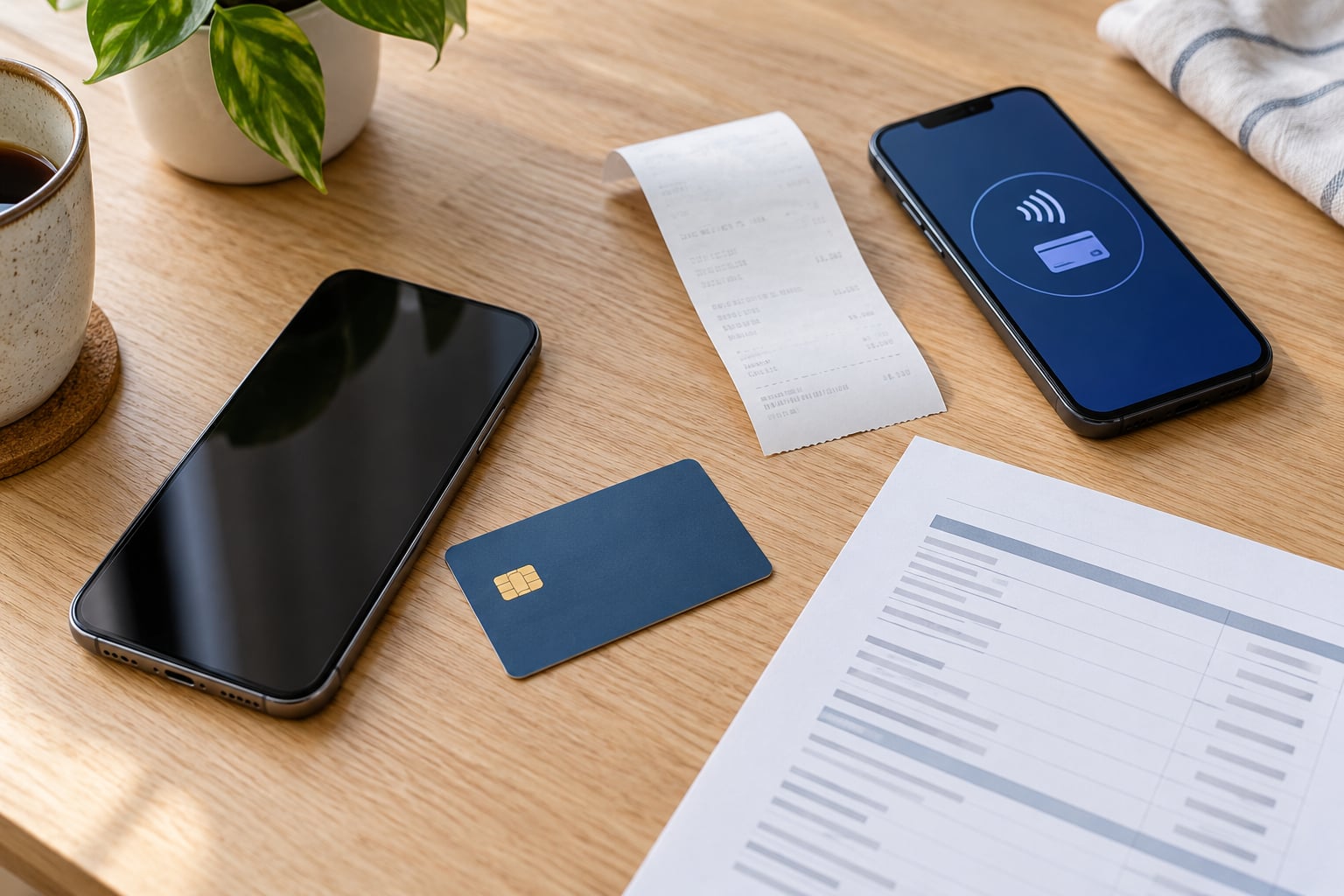
Open the Wallet app, tap the card you paid with, and scroll to the bottom of the card screen where the latest transactions are listed. Tap any entry to see the merchant, the amount, the date, and a map location. That list only holds roughly the most recent 10 to 15 payments, so anything older lives in your bank statement unless you connect the card account to Wallet. Updated for 2026.
Here is the short version for iPhone:
- Open the Wallet app.
- Tap the credit or debit card you used.
- Scroll down to the latest transactions on the card screen.
- Tap a transaction for merchant, amount, date, location, and order details.
On Apple Watch, open the Wallet app and tap the card there. On a Mac with Touch ID or an iPad, go to Settings, tap Wallet & Apple Pay, choose the card, then tap the Transactions tab. Apple Cash lives at Settings, then Wallet & Apple Pay, then your Apple Cash card, then Transactions.
Menus shift a little between iOS versions and card issuers, but the route above has been stable for years.
Table of Contents
- 1What You Need
- 2Step-by-Step: How to View Apple Pay Transaction History
- 3Open the Wallet App and Review Activity
- 4How to View a Transaction or Receipt
- 5Check Your Bank or Card Account
- 6Use Filters and Search to Find Older Payments
- 7Common Mistakes
- 8Tips for Keeping a Complete Apple Pay Record
- 9Frequently Asked Questions
- 10How far back do Apple Pay transactions go?
- 11Why is my Apple Pay transaction history not showing up?
- 12How long does it take for an Apple Pay transaction to appear?
- 13Can I export Apple Pay transaction history to a spreadsheet?
- 14Is Apple Pay the same as Apple Cash?
- 15How do I dispute an Apple Pay charge?
What You Need
Three things make this easy. First, an iPhone with Apple Pay already set up, which means a card in the Wallet app and Face ID or Touch ID working. Second, the Wallet app itself, built into iOS, so there is nothing to download.
Third, and this is the one people skip, access to the bank account behind the card. Wallet shows what the issuer feeds it, and Wallet never replaces your statement. If you need a receipt for expenses or you need to dispute a charge, the issuer’s record is the version that counts.
One more optional piece: connecting your card account to Wallet. That is the only route to more than the latest handful of transactions, and it needs iOS 17.1 or later with an eligible issuer.
Step-by-Step: How to View Apple Pay Transaction History
Open the Wallet App and Review Activity
Unlock your iPhone and open Wallet. The cards you added sit stacked at the top. Tap the card you want, and the card screen fills in with your available balance at the top and the transaction list below it.
Each row shows the merchant name, the amount, and the date. Some entries also show an approximate map location from where the payment was authorised, which is genuinely useful when you cannot remember a charge. Apple’s support pages describe this as your latest transactions, and that phrasing is deliberate: it is a short list, not a full history.
The other devices show the same information with different buttons:
| Device | Menu path | What you see |
|---|---|---|
| iPhone | Wallet, then tap your card | Balance, latest transactions, order tracking |
| Apple Watch | Wallet, then tap your card | The same recent transactions as the paired iPhone |
| Mac with Touch ID | Settings, Wallet & Apple Pay, card, Transactions tab | Transaction list for that card |
| iPad | Settings, Wallet & Apple Pay, card, Transactions tab | Transaction list for that card |
| Apple Cash | Settings, Wallet & Apple Pay, Apple Cash card, Transactions tab | Apple Cash payments and transfers |
If your table is empty, check you tapped the card you actually paid with. People with two cards from the same issuer tap the wrong one constantly, and an empty screen looks exactly like a broken feature.
How to View a Transaction or Receipt
Tap any row to open the detail view. You get the merchant name, the amount, the date and time, and the map location if the merchant shared one. Retail purchases often add an Order Tracking section with a Manage Order button, which links to the merchant’s delivery status or order page.
Watch the amount. Restaurants, hotels, petrol stations, car hire, and ride-share apps authorise an estimated amount first, so what you see in Wallet is often a hold rather than the final charge. The bank statement shows the real number. If you are reconciling at month end, expect the two figures to differ and use the statement.
There is also a Report a Problem option on the transaction screen. Use it when the charge is wrong or unfamiliar, then follow up with your card issuer, since Apple does not reverse charges itself. For an Apple Purchase, the order confirmation email in Mail is a better receipt than anything Wallet shows.
Check Your Bank or Card Account
Anything older than the visible list is not in Wallet. That is the honest answer, and it is where most frustration with this question comes from.
Go to your banking app instead. Most issuers post Apple Pay payments under the same merchant name as the physical card, usually within a day or two, with the card last four digits attached. The downloadable statement from the banking app is what you want for an expense report or a dispute.
Two other places worth checking. If you bought something from an Apple channel, Mail keeps the order confirmation and receipt indefinitely. For Apple Cash, prior monthly statements sit under Wallet, Apple Cash, then the More button, then Card Details, which is the route people usually miss.
Use Filters and Search to Find Older Payments
There is no search box inside a single card’s transaction list. Filtering happens at the account level instead, and only with a connected account.
Open Wallet, tap your connected card, and look for Get Account Balance & Activity. Turn on Fetch Data, and Wallet pulls up to two years of history from that issuer. Above the list sits a Weekly, Monthly, or Yearly switcher, which is how you narrow down a month after a trip.
A Recurring tab lists subscriptions and upcoming charges, and daily coffee shops often land there by mistake. Tap Mark as Not Recurring to clear those out and make the list readable.
Connected accounts only work with eligible issuers and iOS 17.1 or later. If Get Account Balance & Activity is missing, your issuer or your iOS version is the reason, not anything you did wrong. Subscriptions billed through Apple can also appear as one Apple Services line, which hides the individual charges you are hunting for.
Common Mistakes
Checking the wrong card. Two cards from the same bank look identical on the Wallet stack. Tap each one before assuming a payment is missing.
Expecting every bank transaction in Wallet. Wallet only shows what the issuer sends, which is why the list is short. Your statement is the complete record.
Missing receipts. Wallet stores transaction details, not receipts. Order confirmations live in Mail, and merchant receipts come from the merchant.
Outdated Wallet information. If the list stays empty or stops updating, signing out of your Apple Account on all devices and adding the cards again is the fix that works most often. On a Mac with Touch ID, remove the card from Wallet & Apple Pay and re-add it.
Confusing pending with completed. An authorisation hold can sit on a card for a few days. A hold is not a charge, and it disappears on its own once the merchant closes it out.
One device shows it, the other does not. Some issuers only report transactions made on the device you are currently using, so Watch and physical-card purchases can vanish from the list until the next sync.
Tips for Keeping a Complete Apple Pay Record
Screenshot a Wallet entry the day you pay when you will need it later. The merchant name and map location you see there rarely appear anywhere else, and the screenshot keeps them.
Check your statement monthly rather than hunting later. Reconciling ten transactions takes minutes; reconstructing forty from memory does not.
Connect your account to Wallet if your issuer is eligible. Two years of history and the spending insights view make year-end tax and expense work much easier.
Save receipts at the point of sale for anything over your employer’s spending limit. Nobody enjoys chasing a receipt from a car park six months later.
If a charge stays unclear after you have checked the statement, contact the merchant first for orders, then the issuer for anything fraudulent or duplicated. Apple Pay disputes follow your card issuer’s process, not Apple’s.
Frequently Asked Questions
How far back do Apple Pay transactions go?
A single card in Wallet shows roughly the latest 10 to 15 transactions, with no way to scroll further back. To see more, connect your card account to Wallet with Get Account Balance and Activity, which can show up to two years of history for eligible issuers on iOS 17.1 or later. For anything older than that, your bank statement is the record.
Why is my Apple Pay transaction history not showing up?
The usual causes are checking the wrong card, an issuer that does not report to Wallet, a pending authorisation that never posted, or stale card data. Tap each card in the Wallet stack to confirm. If the list is empty everywhere, sign out of your Apple Account on all devices and add the cards again. Eligible-issuer limits also remove Get Account Balance and Activity entirely.
How long does it take for an Apple Pay transaction to appear?
Most payments show up in Wallet within a few minutes of the tap, and on your bank statement within one to two business days. Restaurants, hotels, petrol stations and car hire post an authorisation hold first, so the amount in Wallet can differ from the final charge. Holds can sit for several days before they settle or drop off.
Can I export Apple Pay transaction history to a spreadsheet?
Not from Wallet itself. There is no CSV export, so people screenshot entries or retype them for expense reports. The practical route is your bank or card issuer: download the statement from the banking app or website, which usually offers PDF and CSV. A connected account in Wallet is useful for browsing two years of history but still cannot be exported.
Is Apple Pay the same as Apple Cash?
No. Apple Pay is the contactless payment layer that works with your bank cards, and its history appears on each card in Wallet. Apple Cash is the stored-value balance you can send to friends and use at participating stores, and its history lives under Settings, Wallet and Apple Pay, Apple Cash card, then Transactions. Apple Card is a separate card issued by Goldman Sachs.
How do I dispute an Apple Pay charge?
Open the transaction in Wallet and tap Report a Problem, then contact your card issuer, because Apple Pay charges are reversed by the bank that issued the card rather than by Apple. Keep the transaction detail, the order confirmation email, and the delivery or pickup proof. Reporting quickly matters, since most issuers have strict deadlines for disputing a charge.
Start in Wallet: tap the card, scroll to the transactions, and open the entry you need. That covers recent payments in under a minute. For anything older, connect your card account for up to two years of history, or go straight to your bank statement, which is the record that holds up for expenses and disputes.