To share health data with your doctor from your iPhone, open the Health app, tap your profile picture, choose Share Health Data, select the categories you want, pick your clinic if it appears, and confirm how long to share for. It takes about two minutes, and it only works if your provider’s system is connected.
That last part is where most people get stuck. Plenty of doctors’ offices are not set up to receive iPhone data at all, so the honest answer has two halves: here’s the exact path through iOS 18 and later, and here’s what to do when the share button leads nowhere. Steps and labels here match current iOS, though Apple renames things between versions.
Nothing in this guide is medical advice. It covers moving information between your phone and a clinician’s records system, which is a records and privacy question, not a treatment one.
Table of Contents
- 1What You Need
- 2Step-by-Step
- 3How to Share Health Data with Your Doctor in the Health App
- 4Choose Only the Health Records the Doctor Needs
- 5Share a Specific Health Record or Export
- 6Prepare Records for an Appointment Without the Health App
- 7Confirm What Your Doctor Actually Received
- 8Common Mistakes
- 9Frequently Asked Questions
- 10Can my doctor see my Apple Health data automatically?
- 11What is the safest way to send Apple Health records to a doctor?
- 12Can I share only my heart rate or sleep data from the Health app?
- 13Will Apple Health replace the medical records from my doctor?
- 14How do I know whether my doctor received my health data?
What You Need
Before you open anything, check these four things. Skipping this list is how people end up with a half-finished share they have to cancel later.
- An iPhone running a current version of iOS. The sharing flow described here is iOS 18 and later. Older versions use a different path through the Sharing tab.
- The Health app switched on, with iCloud Health available. Most categories sync only if you are signed in to iCloud with Health enabled. Check Settings, your Apple Account, iCloud, then Health.
- Two-factor authentication on your Apple Account. Connecting a provider account fails silently or errors out without it.
- A way for the clinic to receive the data. That means a supported clinical system, a patient portal, encrypted email, or another method the office approves. A screenshot can be useful, but it is often the least protected option.
Then write down what you actually want discussed: the two or three symptoms that started in March, the medication list, the blood pressure readings from the past six weeks. Data you have chosen beats everything the app holds.
Step-by-Step
The process below covers how to share health data with your doctor, from the first tap to the moment you know the transfer landed. If your provider shows up in the search, you can finish in a couple of minutes. If it doesn’t, skip to the fourth step below.
How to Share Health Data with Your Doctor in the Health App
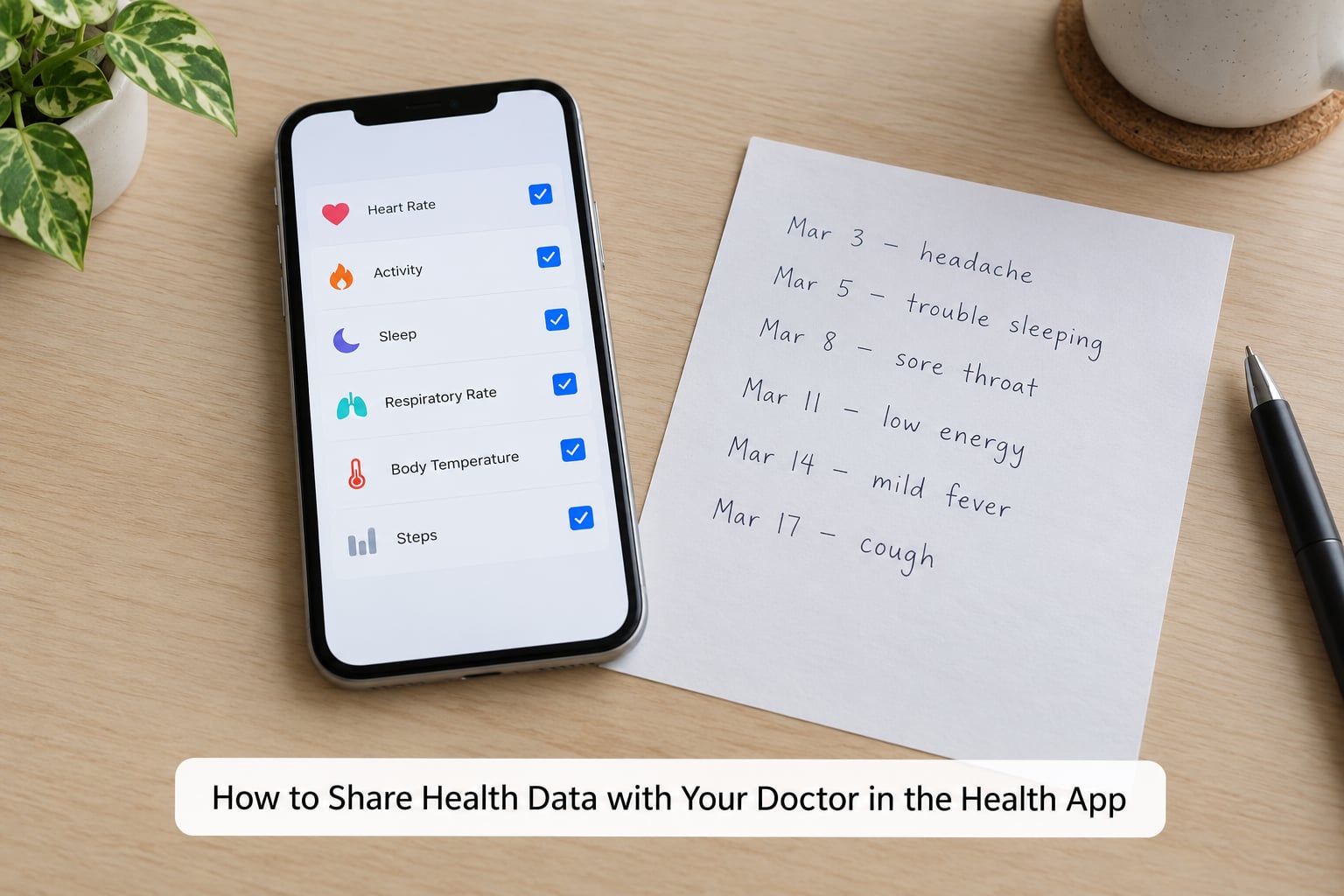
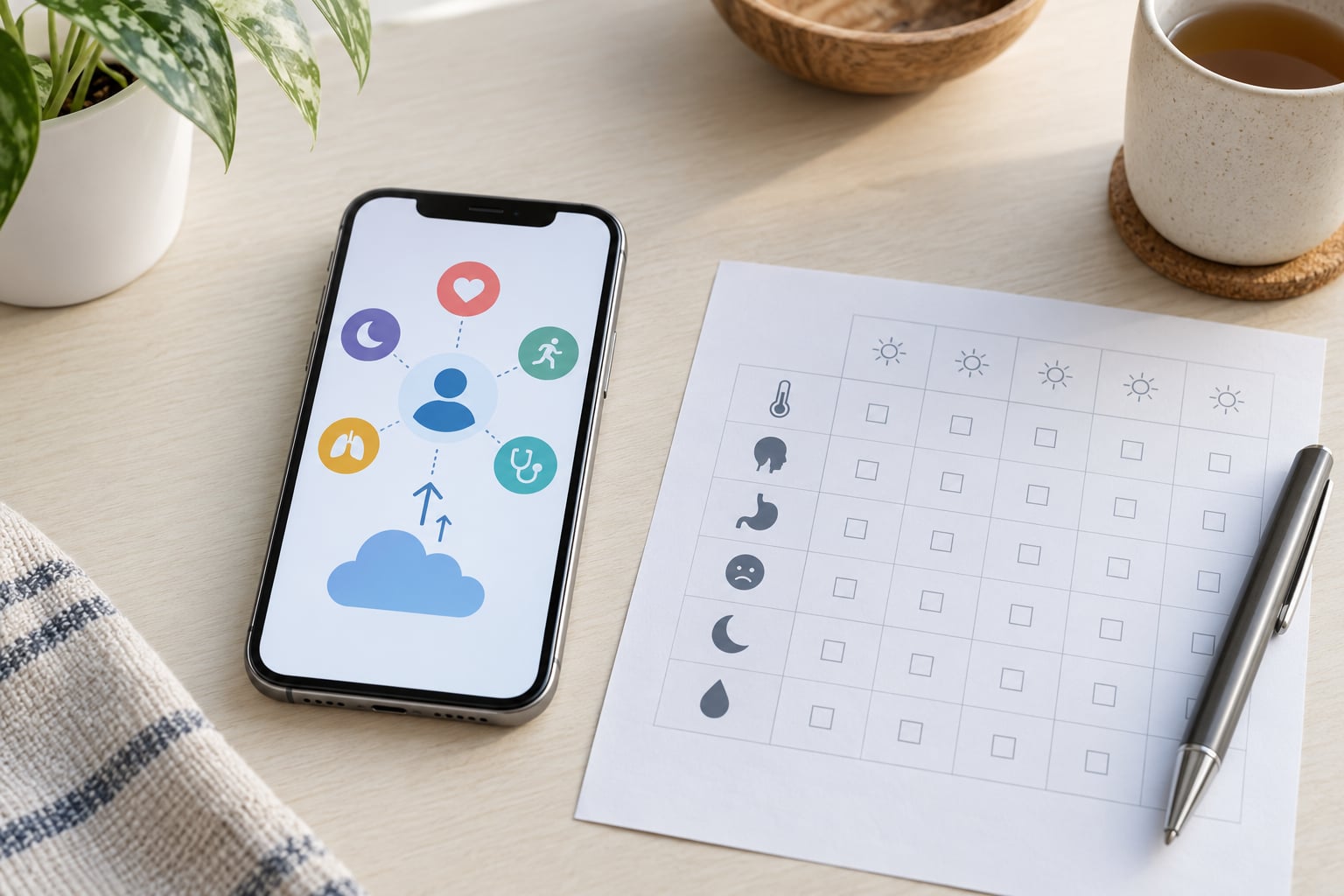
Open Health. Tap your profile picture in the top-right corner, then tap Share Health Data. Tap Next to see the categories Apple proposes, tap Next again to reach the provider screen, and search for your doctor, hospital, or clinic by name.
When your provider appears, tap it and sign in with the portal account you already use for lab results or appointments. Choose the sharing duration, review the list, and tap Share or Confirm.
Two things catch people out here. First, the category list Apple suggests is generous, and the default selection includes far more than most visits need. Second, the search indexes participating organisations, not individual clinicians, so searching your doctor’s name often returns nothing while searching the hospital system works fine.
Choose Only the Health Records the Doctor Needs
Apple Health falls into two very different buckets, and knowing which is which stops you from over-sharing.
The first bucket is what your devices measured: heart rate and resting heart rate, step count, distance, sleep duration and stages, respiratory rate, body mass, and anything an Apple Watch logged. This data arrives quietly and accumulates on its own.
The second bucket is what you typed: symptoms, diagnoses you entered yourself, medications and doses, notes, mood entries, nutrition, and blood pressure or glucose readings you logged by hand. That content is only as complete as your memory of it.
Which matters? For a new or unexplained symptom, trends and timestamps usually carry more weight than a single reading. Reviewers of wearable data on r/whoop describe the same pattern: what changed the conversation with a clinician was framing numbers as a trend over weeks, not one score on one morning.
Do not treat the app as your medical history. It has no visit notes, no imaging, no lab results unless your provider’s system pushes them into it, and no record of what was discussed. Sending a medication list from memory and calling it complete is the most common mistake I see people make.
Share a Specific Health Record or Export
If you need one measurement rather than everything, share the single item. In Health, browse to the relevant category, tap the entry, then tap the share button and choose a destination your doctor supports, such as a secure portal or encrypted email.
Check the preview before you send. One share often means more than the number you were looking at, and a screenshot can capture your name, date of birth, and unrelated entries in the same frame.
For a full backup, Health can export everything as a ZIP archive of CSV files. This is useful as your own backup, and useful to hand to a doctor who is willing to read a spreadsheet. It is not a clinical document, and it is not a medical record. Keep it off ordinary messaging apps.
Prepare Records for an Appointment Without the Health App
Many practices still cannot receive Apple Health data, and that is normal rather than a fault on your phone. The fix is to ask the office what it accepts: file format, date range, and delivery method. Some clinics want a PDF uploaded to the portal, some want a printed one-page summary, some have staff who will enter numbers by hand during intake.
A one-page summary beats a data dump every time. Put recent symptoms with dates, your current medications, the readings you tracked, and one sentence on what you want the doctor to focus on. r/NoStupidQuestions threads about doctor visits repeat the same lesson: clinicians respond to a short framed question, not to a wall of numbers.
Take a screenshot only where the office allows it, and crop out unrelated details. Skip ordinary text messaging for anything you would not read aloud in a waiting room.
If you are switching doctors or want your history from a previous practice, ask that practice for your records directly. As a patient you have a right to access your health records, and most offices have roughly 30 days to provide them. That request gets you the actual chart rather than a phone export.
Confirm What Your Doctor Actually Received
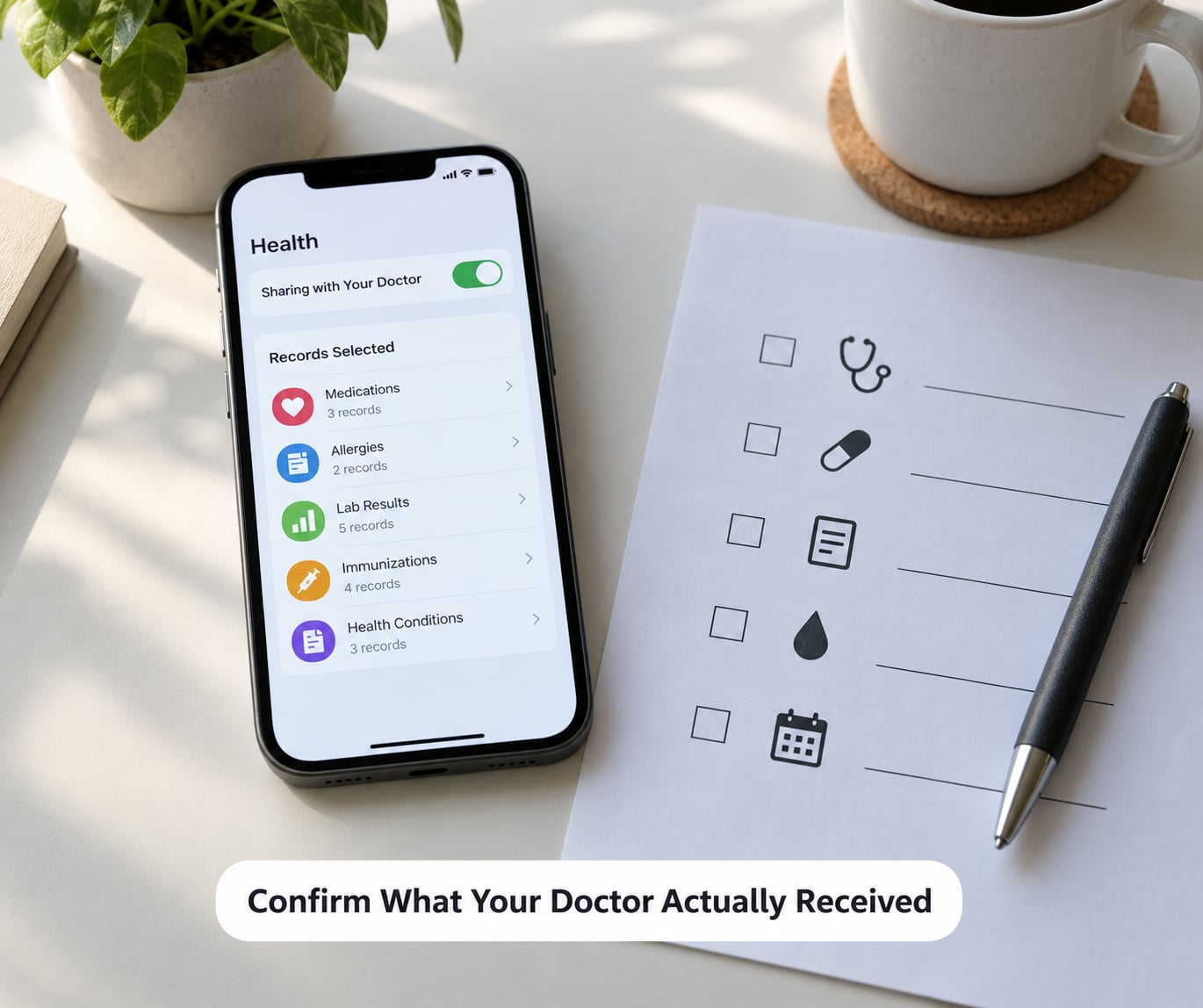
A completed share does not mean the data is in your chart. Something can go wrong quietly: the account never connected, the categories synced to a system nobody reviews, or the import failed on the clinic’s end. Assuming is the mistake people regret.
Check Health, then your profile picture, then Apps With Access, to see which organisations are connected and what you have shared. Inside a connected provider, the sharing view shows categories and dates you can inspect. Note the date range you sent.
Then contact the clinic through its official channel, not a message to a clinician who is not expecting it. Confirm the date range and categories that arrived, and ask for the data to be reconciled against the official record at your next visit. r/healthIT discussions make the point repeatedly: every clinic portal is a separate silo, and nothing aggregates them for you.
Ask what the office intends to do with the data and how long it is kept. Once it is inside a clinical system, it falls under health privacy rules such as HIPAA in the US, and you have consented by sending it there.
Common Mistakes
Almost every problem I have seen traces back to one of these, and each has a quick fix.
Accepting the suggested category list. Apple proposes a broad set and it is easy to tap through without reading. Edit the selection so it matches your actual question for this visit.
Sending to the wrong contact or the wrong address. Sharing to a name pulled from an old thread, or emailing a PDF to an unverified address, is the most avoidable error. Use an address the clinic confirms on its own website or portal.
Treating a CSV export as a medical record. A ZIP of CSV files is your personal backup. It has no clinical framing, no clinician’s interpretation, and usually far too many rows to read.
Assuming the doctor received it. The share screen completing means nothing about whether anyone imported the data. Confirm with the practice before your next visit.
Using unsecured messaging. Standard texts and consumer chat apps leave copies on devices you do not manage, on servers you did not choose, indefinitely.
Leaving off dates. Six weeks of blood pressure readings means nothing without the date range attached, and a provider system may not infer it.
Three habits cover most of those. Narrow the date range before you share. Look at every screenshot before it leaves your phone. And when you connect an account, ask the office how it will be used, who inside the practice can see it, and how to disconnect when you no longer want it shared.
Frequently Asked Questions
Can my doctor see my Apple Health data automatically?
Only if you connect their system and they enable it. Apple Health never pushes your data anywhere on its own. Your phone can pull records from a supported provider into Health, but sending data back out requires you to open Health, share your profile picture, choose Share Health Data, and confirm the connection. If your clinic never appears in that search, no amount of syncing will get your data to them, and you will need a portal upload or a paper summary instead.
What is the safest way to send Apple Health records to a doctor?
A direct connection to the clinic’s own patient portal is the safest route, because your data lands inside a clinical system with its own access controls and audit trail. An encrypted email attachment sent to an address the office confirms is next best. Avoid ordinary text messages, consumer chat apps, and personal email for anything clinical, since those copies live on devices you do not control and rarely get deleted.
Can I share only my heart rate or sleep data from the Health app?
Yes. In Health, open the category you want, tap an individual entry, then use the share button to send that one item. For an ongoing connection, you choose categories during the share setup rather than accepting the suggested list, so you can include heart rate and sleep while leaving everything else out. A screenshot is fine for a single reading, but check the image for unrelated details before sending it.
Will Apple Health replace the medical records from my doctor?
No, and it is not trying to. The Health app holds measurements from your devices plus entries you type in yourself. It does not hold visit notes, imaging, lab results, or anything your clinician said at an appointment, unless a connected provider system pushes those in. Your official medical record stays with the practice that treats you, and you can request a copy of it directly from them at any time.
How do I know whether my doctor received my health data?
Check Health, tap your profile picture, then Apps With Access, to see which organisations are connected and which categories were shared. Then ask the clinic through its official channel to confirm the date range that arrived and whether it was added to your chart. People on r/healthIT report that imports fail silently more often than anyone expects, so treat the share as unconfirmed until someone at the practice confirms it.
Start by asking your clinic what it accepts. If their system is connected, share the categories your visit is about and nothing more, then confirm receipt before you rely on it. If it is not connected, a one-page summary through their portal will do more for you than any export. Ask your doctor or pharmacist about which readings are worth tracking for your specific situation, and keep anything you are unsure about out of the shared set.