Your iPhone counts steps on its own, using the motion co-processor and accelerometer built into the device, and the number lives in the pre-installed Apple Health app. No Apple Watch, no download, no pairing. It takes about two minutes to turn the permission on and find the count.
If you have never looked, open Health and tap your ring summary: the number in the middle of the Steps ring is today’s total, updated in the background as you walk. The rest of this guide covers the exact taps, the fixes when the count looks wrong, and what an iPhone-only setup can and cannot do well.
Table of Contents
- 1What You Need
- 2Step-by-Step
- 31. Enable Motion & Fitness Tracking
- 42. Open the Health App and Find Steps
- 53. Carry the iPhone in the Right Way
- 64. Check the Daily Total and History
- 75. Convert Your Step Count to Distance
- 8Common Mistakes
- 9Frequently Asked Questions
- 10Can I count steps with my iPhone without an Apple Watch?
- 11Why is my iPhone step count not updating?
- 12Where are the steps in the iPhone Health app?
- 13How accurate are iPhone step counts compared with an Apple Watch?
- 14Should I carry my iPhone in my pocket to count steps?
- 15Conclusion
What You Need
Just the phone already in your pocket. Every iPhone ships with the Health app and a pedometer built in, so there is nothing to buy and nothing to install from the App Store.
You do need one thing switched on: the Motion & Fitness permission. If that toggle is off, the phone still senses movement but nobody, including Health, is allowed to read it.
- An iPhone running a current iOS version
- The Health app, pre-installed
- Motion & Fitness enabled in Settings
- Optional: an Apple Watch, if you want step data recorded on your wrist as well
Step-by-Step
Four stages get you from a phone that counts nothing to a step total you can check in two taps. Work through them in order, because each one depends on the one before it.
1. Enable Motion & Fitness Tracking
Open Settings, scroll to Privacy & Security, then tap Motion & Fitness. Turn on Track Fitness Activities, which lets apps read the accelerometer and gyroscope.
You also want Health itself updating in the background. Go back to Settings, tap General, choose Background App Refresh, then pick Health and set it on. Without this, your total can freeze while the app is closed, which is the single most common reason a count looks stuck.
How to tell it worked: walk a few dozen steps with the phone in your pocket, open Health, and watch the Steps number move. If it did not move, jump to the fixes below.
2. Open the Health App and Find Steps
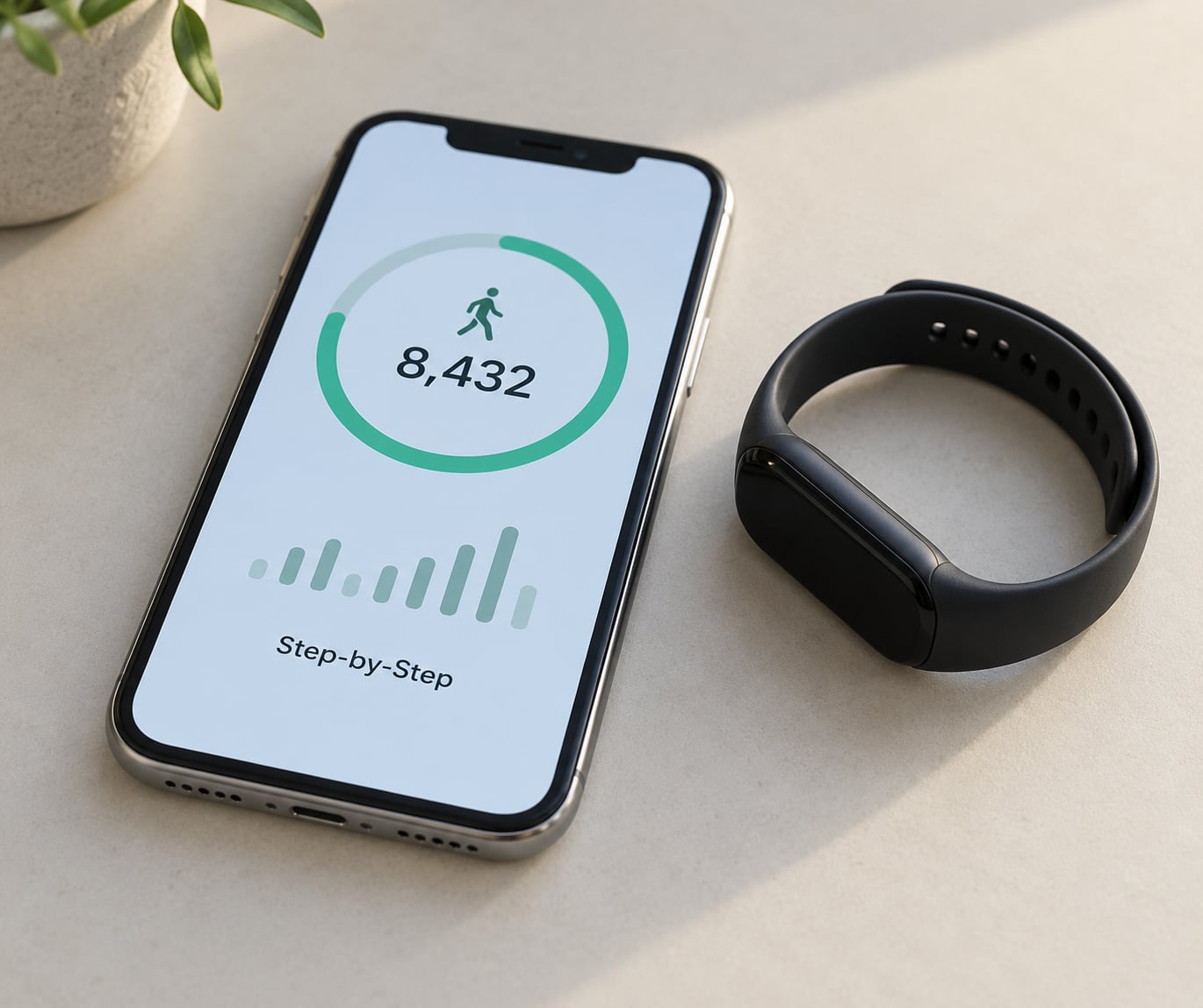
Tap Health, then Browse at the bottom of the screen. Scroll to Activity and choose Steps. That page shows today’s total at the top, with a chart underneath broken down by hour, plus distance, flights climbed and exercise minutes for the same period.
Apple has moved this area around more than once. Older iOS versions put it under Summary, and some steps only appear in a searchable list at the very top of Browse. If you see an unfamiliar layout, tap the search field and type steps.
For a quicker glance, add the widget. Press and hold on the Home Screen, tap Edit, then Add Widget, search Steps, and pull the small or medium version onto a Home Screen page. On iOS 16 and later, the same widget is available on the Lock Screen: long-press the Lock Screen, choose Edit, and add Steps.
3. Carry the iPhone in the Right Way
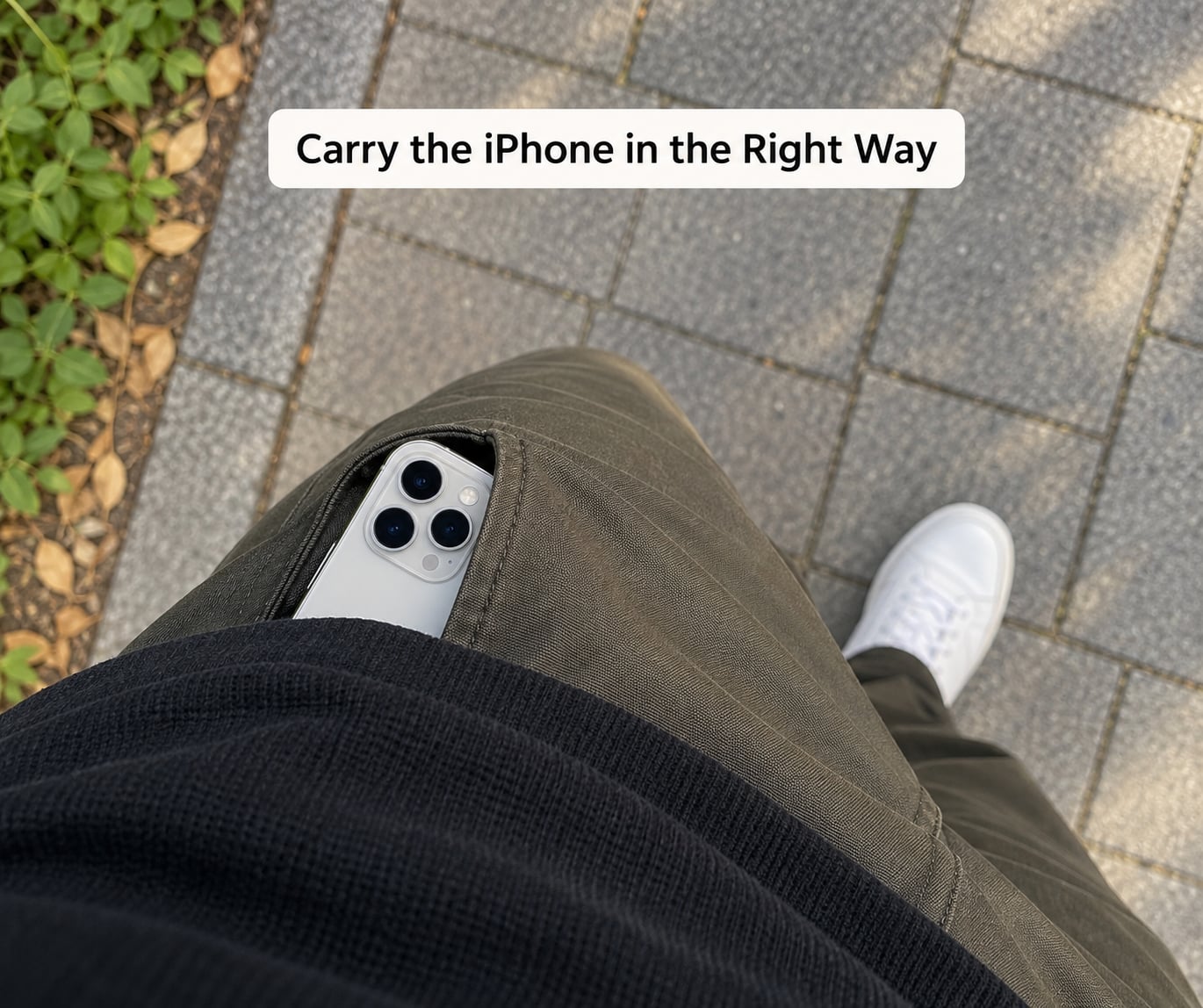
Pocket carrying gives the most consistent readings. The accelerometer picks up a steady rhythm of impacts that matches a stride, and that pattern is what iOS treats as walking.
In your hand is the worst option. Swinging your arm while holding the phone produces impacts in the wrong direction, and the phone can register a step from a gesture that is not walking at all. A Reddit user in r/applehelp asked whether passing the phone from one hand to the other adds steps. It can, especially if the movement is sharp enough.
Two more honest limitations. On a treadmill or a long indoor corridor, the same low, repetitive pattern can be filtered out as background vibration, so indoor sessions often count far fewer steps than the same distance outdoors. And a phone in a handbag or on a moving bus seat can pick up phantom steps from the vehicle itself.
4. Check the Daily Total and History
Steps, distance and flights climbed are three separate numbers measured from the same movement. Steps come from detected strides. Distance is calculated from those steps multiplied by a stride length that iOS estimates for you. Flights climbed comes from vertical motion, and exercise minutes only accrue during qualifying active movement.
Scroll down on the Steps page to switch between Day, Week, Month and Year. Tap the calendar icon in the top corner to jump back to a specific date, which is how you check whether the count froze partway through a day rather than simply being low.
Because distance depends on an estimated stride length, it drifts when your real stride differs from the estimate. That is why the same step count can read as a different number of miles on two different devices.
5. Convert Your Step Count to Distance
Most adults take roughly 2,500 steps per mile, or about 1,500 per kilometre. Multiply your daily total by those numbers for a quick estimate.
| Steps | Approx. miles | Approx. kilometres |
|---|---|---|
| 5,000 | 2.0 | 3.3 |
| 10,000 | 4.0 | 6.4 |
| 15,000 | 6.0 | 9.6 |
| 20,000 | 8.0 | 12.8 |
Your own number will differ. Taller people take longer strides and cover more ground per step, so 10,000 steps for someone six feet tall is not the same walk as 10,000 steps for someone five feet tall.
Common Mistakes
Steps stopped counting entirely. Check Motion & Fitness first, then Background App Refresh for Health. An iOS update occasionally turns one of them off, which is exactly what users on the Apple Discussions board reported after upgrading to iOS 18.
The count jumped far higher than reality. More than one source writing to Health is the usual cause. Someone on the Apple Discussions board saw their iPhone 11 count double after an iOS upgrade while also wearing an Amazfit band, because both devices recorded the same walk. Another Reddit user in r/iphone reported the Health app logging 114,000 steps in a single hour.
Steps count but the distance looks wrong. That is a calibration problem, not a sensor problem. Go to Settings, then Privacy & Security, then Location Services, then System Services, and switch on Motion Calibration & Distance. Users in r/ios identified that toggle as the fix for steps and distance disagreeing.
The phone is in a bag or on a table. A phone sitting on a moving bus, a car seat or a washing machine can accumulate steps from the vibration. iOS filters some of this, but not all of it. Keep the phone on you when the count matters.
You’re looking at the wrong number. Some third-party apps show active steps only, meaning steps taken during a workout, rather than everything you did all day. The Health app figure is your total for the day.
You want today’s count to start at zero. Health does not let you clear a day permanently, but you can edit the data. On the Steps page, tap Edit, choose the day, delete the existing entries, then tap Add Data Entry to enter the steps you want to start from.
Frequently Asked Questions
Can I count steps with my iPhone without an Apple Watch?
Yes. The motion co-processor inside your iPhone counts strides on its own and writes them to Apple Health, which is pre-installed and free. You need Motion and Fitness enabled in Settings, and you get a daily total, walking distance, flights climbed and exercise minutes in the same place. Many people start here before deciding a wearable is worth it for them.
Why is my iPhone step count not updating?
The usual causes are a closed Motion and Fitness permission or Background App Refresh being switched off for Health, both of which can change after an iOS update. Also check that Location Services is on for Health. If the total is updating but wrong, another device such as a watch or band may be writing duplicate steps into the same Health record at the same time.
Where are the steps in the iPhone Health app?
Open Health, tap Browse at the bottom, then Activity, then Steps. On the Steps page your current total sits at the top with an hourly chart underneath and tabs for Day, Week, Month and Year below that. Tap the calendar icon in the corner to check a past date. On the summary screen, the number in the middle of the Steps ring is the same figure.
How accurate are iPhone step counts compared with an Apple Watch?
Expect the watch to be closer to the truth, because it stays on your wrist and keeps the same sensor contact while your phone spends time in a pocket or a bag. Users comparing the two head to head in r/walking generally find the watch more consistent. Phone readings are still perfectly usable for a daily goal as long as you carry the same way every day.
Should I carry my iPhone in my pocket to count steps?
A front or back trouser pocket gives the most reliable readings, since the phone moves with your stride and produces a steady impact pattern. Holding it in your hand causes arm swing that can add steps, and sitting on a moving seat can add them too. Keep the phone on your body for the whole walk rather than setting it down on a cafe table while you queue.
Conclusion
To count steps with iPhone only, start in Settings, then Privacy & Security, then Motion & Fitness, and switch on Track Fitness Activities. Open Health, tap Browse, choose Activity and then Steps, and your daily total is right there.
After that it is mostly habit. Keep the phone in a pocket for the whole walk, add the Steps widget to your Lock Screen so checking costs nothing, and turn on Motion Calibration & Distance if the distance figure looks off. Do those three things and the count will hold up.