Yes, Android users can join a FaceTime call through a link in Google Chrome or Microsoft Edge, but they cannot start one. The Apple user creates the link in the FaceTime app, shares it over text, email or any messaging app, and the Android recipient opens it in a browser, enters a name and waits to be let in. That is the whole trick, and it has worked the same way since iOS 15 and macOS Monterey arrived. Apple has not expanded it since, and there is still no native Android app.
There is no FaceTime app for Android, and there never has been. Any listing in the Google Play Store called FaceTime is a clone, a dead app or something worse, and installing one is how people end up with a malware warning on a phone they were only trying to video call a family member on. The browser link is the only official route.
The procedure takes about two minutes on the host side and one minute on the guest side. The fiddly part is not the tapping, it is the waiting room and the one-way audio bug that catches roughly one call in five on mobile data. Both get their own sections below.
Last updated October 2026. Steps verified against current iOS and Android releases. Menu names can shift slightly between iOS and iPadOS versions, so I have noted where the wording differs.
Table of Contents
- 1What You Need
- 2Step-by-Step: How to Use FaceTime Links With Android Users
- 3How to send the link from your iPhone
- 4How the Android user joins the FaceTime call
- 5How to check audio and video during the call
- 6What to do if the invitation does not appear
- 7Common Mistakes
- 8Frequently Asked Questions
- 9Can an Android user join FaceTime without an Apple Account?
- 10Does a FaceTime link work over Wi-Fi and Android mobile data?
- 11Can I use the same FaceTime link after the call ends?
- 12Can I join a FaceTime link without using my camera or microphone?
- 13Can I send a FaceTime link by email instead of using a phone number?
- 14Conclusion
What You Need
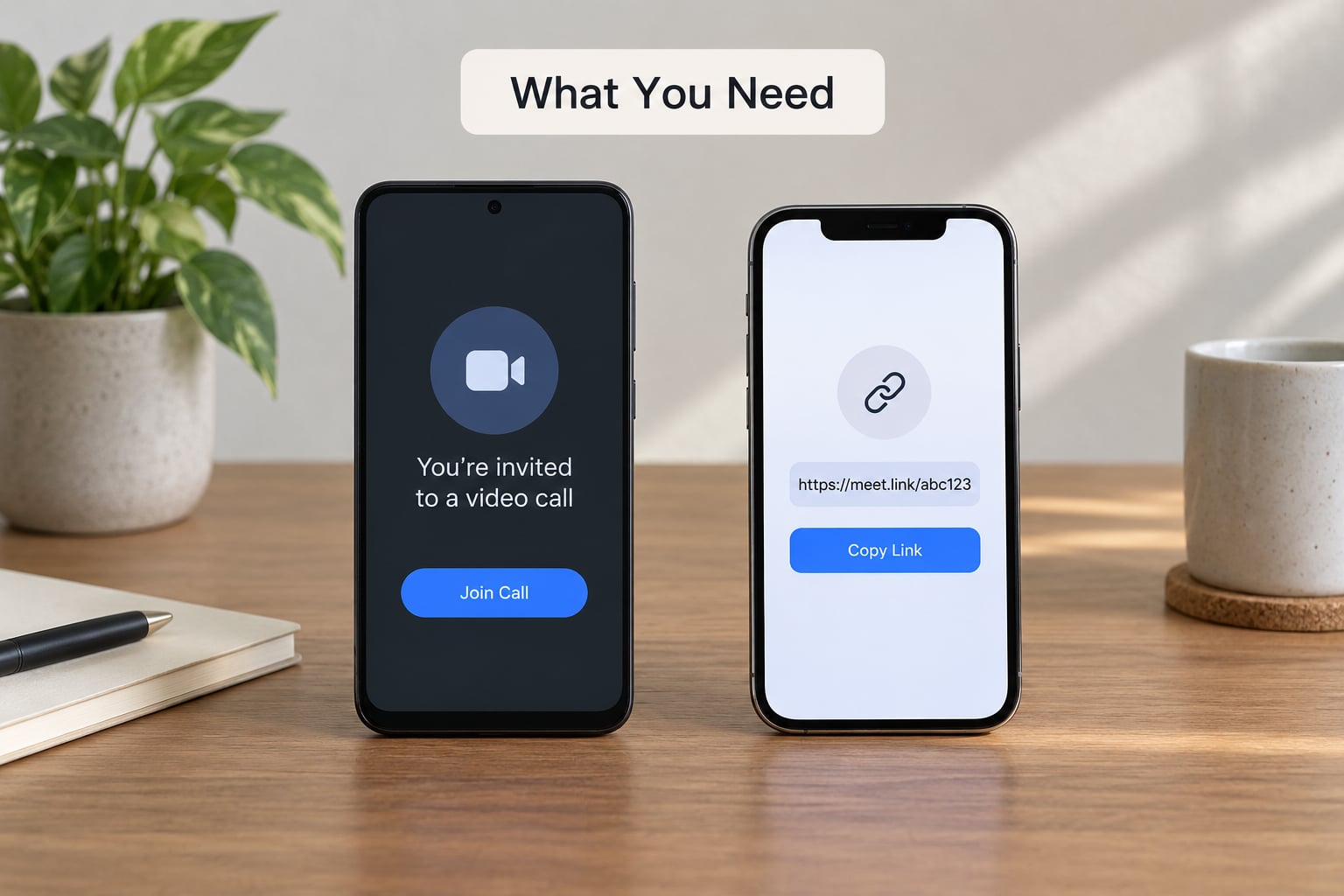
The hard requirement on the Apple side is iOS 15, iPadOS 15 or macOS Monterey or later. If the iPhone running the call is older than that, the Create Link button simply is not in the app, and no amount of menu hunting will surface it. There is one other exception: iPhones purchased in mainland China do not get the feature at all, regardless of how current the software is.
On the Android side there is nothing to install, but the browser matters. Chrome and Microsoft Edge are the two browsers that work reliably. Everything else, including the little in-app browser built into WhatsApp, Facebook Messenger and Instagram, is the single most common reason a FaceTime link does nothing when tapped.
| What you need | Requirement |
|---|---|
| Host device | iPhone, iPad or Mac |
| Host system | iOS 15, iPadOS 15 or macOS Monterey, or later |
| Host region | Not an iPhone purchased in mainland China |
| Guest device | Any Android phone or tablet, or a Windows PC |
| Guest browser | Google Chrome or Microsoft Edge |
| Permissions | Camera and microphone allowed for the browser |
| Connection | Wi-Fi or mobile data, roughly 3 Mbps or better for video |
| Cost | Nothing to pay, the link itself is free |
Camera and microphone access is not optional for a normal call. Android asks for both the first time the browser reaches facetime.apple.com, and denying either one produces silence or a black rectangle with no error message at all. That silence is the symptom, not the permission panel, which is why it confuses people so badly.
Battery saver is worth turning off before the call. Chrome throttles background tabs and camera access in power-saving mode, and on mid-range Android phones a throttled FaceTime web call will freeze, drop to audio-only, or cut out mid-sentence.
Step-by-Step: How to Use FaceTime Links With Android Users
How to send the link from your iPhone
Open the FaceTime app and tap the plus button in the top right corner to start a new call. Pick FaceTime Audio or FaceTime Video. Apple hides FaceTime Audio behind a small audio-waveform icon on iOS 26, and on iPadOS the two options sit on the same sheet as regular FaceTime calls.
Enter the Android user’s phone number or email address in the To field, then tap the video or phone icon to begin the call as usual. You do not need the person to own an Apple device for this step, because the link is generated on your side.
Once the call screen is open, tap the participant’s name or the info button in the upper right to open the call details. In that panel you will see the call entry with a small options button. Tap it and choose Share Link. On iPadOS the same option sits inside the call’s overflow menu, which is the three dots in a circle.
Choose where the link goes. Messages, WhatsApp, email, Slack and Notes all work, and so does a plain text message. Whichever you pick, the recipient must receive the whole link, starting with the https:// portion, so copy and paste rather than typing it out by hand.
That is the entire host flow, and it takes about fifteen seconds once you know where the button is. You can create several links at once and each one generates its own unique address, which is handy when you are lining up a recurring family call and want one permanent link to send every week.
If you would rather schedule it than call cold, the link also appears under the Upcoming heading in the FaceTime app after you create it. Scheduled FaceTime links behave like any other scheduled link, so you can set the call for next Tuesday and send the address now.
How the Android user joins the FaceTime call
This is the side most guides rush, and it is where the calls usually fail. Five steps, in order:
- Open the link in Chrome or Edge. If the invitation arrived inside WhatsApp, Facebook Messenger or Instagram, copy the link text first and paste it into Chrome, or tap the link and let Chrome handle it. Do not tap the invitation inside the in-app browser and hope.
- Enter your display name. The first screen asks for the name everyone else on the call will see. Tap the field, type it, and confirm.
- Tap Continue. This moves you to the permission step. There is no skipping it.
- Allow camera and microphone for facetime.apple.com. The browser shows a permission prompt on this screen or the next one. Tap Allow for both.
- Tap Join. A waiting room screen appears saying you are waiting to be let in. The Apple user has to admit you before anything else happens.
If a prompt for facetime.apple.com never appears, tap the padlock or the site information icon at the top of the browser address bar, go to Permissions, and set Camera and Microphone to Allow. On Android the full path is Settings, then Apps, then Chrome, then Permissions, then Camera and Microphone, set to Allow while using the app.
To answer the call rather than accidentally start a second one, do not create a new call from the contact card. The Android user has no FaceTime app, so there is nothing to start. The only action available is to open the link the Apple user sent and tap Join.
If the invitation was sent as a phone number rather than a link, dial it and the phone app may offer a FaceTime option that leads nowhere on Android. Ask for the link instead.
How to check audio and video during the call
On the Android side, the call screen gives you mute and unmute, a camera toggle, a flip-camera button, full screen, and a grid layout for group calls. Share the link onward from there too, which is how a five-person family call with three Android phones gets built.
On the iPhone side, the call shows a banner such as 1 Person Waiting or 2 People Waiting near the top of the screen. Tap it to see who is waiting, then tap the person to let them in. Until you tap, the Android user sees nothing but the waiting room message. This is the step where most calls stall, because the notification arrives once and does not repeat loudly.
If you miss the banner, open the call’s participant list or swipe down from the call screen to find the waiting entry again. The waiting person does not have to regenerate the link, and they do not need to rejoin from scratch.
To confirm the connection works, look for the Android user’s name in your participant list and watch for their video tile to appear. On their side, the iPhone caller should appear immediately once admitted. If either side is blank, treat it as a permission problem first and a network problem second.
Neither side can screen share or use SharePlay in a browser-based call. Those are native features of the FaceTime app on Apple devices, and they simply do not exist on the web version. If sharing your screen is the point of the call, use a different service.
What to do if the invitation does not appear
Most of the time it is not the link at all, it is the browser. When a link tapped inside WhatsApp, Facebook Messenger or Instagram does nothing, copy the address bar text and paste it directly into Chrome. That single change fixes more broken FaceTime links than anything else on Android.
When the iPhone does not offer Share Link, check the iOS version first. Go to Settings, then General, then Software Update. Anything below iOS 15 has no Create Link option anywhere in the app, and no workaround exists. An iPhone bought in mainland China is the other reason, and it cannot be enabled by hand.
Creating a fresh link also clears a stale one. Used links stop admitting people, so if the recipient says the page shows an error or that the call has ended, generate a new link and send that. It costs you fifteen seconds.
Sign-in prompts can appear on the Apple device when iCloud or Messages is switched off. FaceTime needs to be signed in to your Apple Account to create a link, so signing back in resolves it.
Common Mistakes
Every row below is a symptom people actually search for, followed by the fix. Work down the symptom column, not the cause column, because almost everyone arrives mid-problem.
| Symptom | Likely cause | Fix |
|---|---|---|
| Tapping the link does nothing | The in-app browser inside WhatsApp, Facebook or Instagram | Copy the link text and paste it into Chrome, then open it there |
| Page says Link Not Supported | Opened in a non-Chromium browser | Use Google Chrome or Microsoft Edge instead of the default browser |
| They see and hear me, I see nothing | One-way audio, usually a permissions denial on their phone | Settings, Apps, Chrome, Permissions, then set Camera and Microphone to Allow while using the app |
| No sound but video is fine | Microphone permission denied, or the phone is on mute | Check the in-call mute button, then re-check the microphone permission path above |
| Stuck on Waiting to be let in | The Apple user never tapped to admit them | Host opens the call banner showing 1 Person Waiting and taps the name to let them in |
| Call lags, freezes or drops | Battery saver throttling the browser, or a weak mobile signal | Turn off battery saver for the call and use Wi-Fi where possible |
| No Create Link button on the iPhone | iOS below 15, or an iPhone purchased in mainland China | Update the iPhone, or use a different calling app for that call |
The one-way audio case deserves a closer look because it is the most reported problem and it is not a network fault. The Android user can see the iPhone caller and hear them, while the iPhone caller hears nothing and may see a blank tile. Nearly always the Android phone has camera permission and microphone permission in different states, so it sends video and never sends audio.
Fixing it means going into Android Settings, then Apps, then Chrome, then Permissions. Turn Camera and Microphone both off, reopen the link, and accept both prompts again. Some users only find the Settings toggle after the browser itself refuses a second prompt, because Android will not ask twice.
Two more prevention habits save most calls. Send the link through SMS or email rather than an in-app browser whenever the messaging app gives you the choice, and test the call once with ten minutes to spare instead of at the exact time you promised to show up.
And check the version question early. The single most common reason an iPhone owner cannot help at all is that they are on an old iOS release, and that conversation is much easier to have before the family group chat starts.
Frequently Asked Questions
Can an Android user join FaceTime without an Apple Account?
No Apple Account is needed on the Android side. The guest opens the link in Chrome or Edge, types a display name and joins. The Apple Account requirement sits entirely with the person creating the link, since FaceTime on the iPhone or Mac must be signed in to create and host it.
Does a FaceTime link work over Wi-Fi and Android mobile data?
Yes, both work. Wi-Fi gives you the cleaner call and much lower data use. On mobile data expect the call to hold on Wi-Fi-quality video above roughly 3 Mbps, and note that a steady video call can burn through close to a gigabyte of cellular data in an hour, which matters on a limited plan.
Can I use the same FaceTime link after the call ends?
Once a link has been used for a call that has ended, it stops admitting new participants, so treat it as single-use. Generate a fresh link for the next call. The exception is a link tied to a scheduled FaceTime in the Upcoming list, which stays valid until that scheduled call happens.
Can I join a FaceTime link without using my camera or microphone?
You can join and stay in the call with both off. Deny the permission prompts or use the camera and microphone toggles on the in-call screen to turn each one off after joining. Your host sees you as a participant without video or sound, so tell them before they spend the call trying to fix what looks like a connection problem.
Can I send a FaceTime link by email instead of using a phone number?
Yes, and email is often the more reliable route. The link is a web address, so it can go through Messages, WhatsApp, email, Slack or anything else that carries text. Paste the full link including the https:// part, and have the recipient open it in Chrome or Edge rather than tapping it inside an email client’s preview.
Conclusion
Open FaceTime, tap the plus button, choose FaceTime Audio or FaceTime Video, enter the Android user’s number or email, and use Share Link from the call details panel. Send the address by text or email, and tell them to open it in Chrome.
That Android phone joins through the browser with nothing installed, and nobody on either side needs to download anything from the Play Store. If the call stalls at the waiting room, tap the 1 Person Waiting banner on the iPhone to let them in. If it stalls on silence, check the Chrome permission settings on the Android phone. And if a link fails outright, make a new one rather than resending the old address.