If you are searching for how to unlock iPhone from a carrier, the answer is simpler than most results make it sound: you ask the carrier that sold or financed the phone to clear the lock. There is no unlock code to type in. Once the carrier approves it, Apple removes the restriction on its activation servers and the phone takes a SIM or eSIM from any network. Most requests take under a day, and the whole thing is free.
This guide covers iPhone models on iOS 18 and later, using the Settings app paths Apple still uses. Menu names shift slightly between major iOS versions, but the General and About screens have stayed put for years.
Table of Contents
- 1What You Need
- 2Step-by-Step
- 31. Check Whether Your iPhone Is Carrier-Locked
- 42. Confirm Eligibility With Your Carrier
- 53. Request an Unlock Through the Carrier
- 64. Use Apple’s Official Support Channel When Appropriate
- 75. Verify That the iPhone Is Unlocked
- 8Common Mistakes
- 9Frequently Asked Questions
- 10How long does it take to unlock an iPhone?
- 11Can I unlock an iPhone without an account with the carrier?
- 12Does it cost anything to get a carrier unlock?
- 13Can I unlock a prepaid or family plan iPhone?
- 14What do I do if my unlock request was rejected?
- 15What to Do First
What You Need
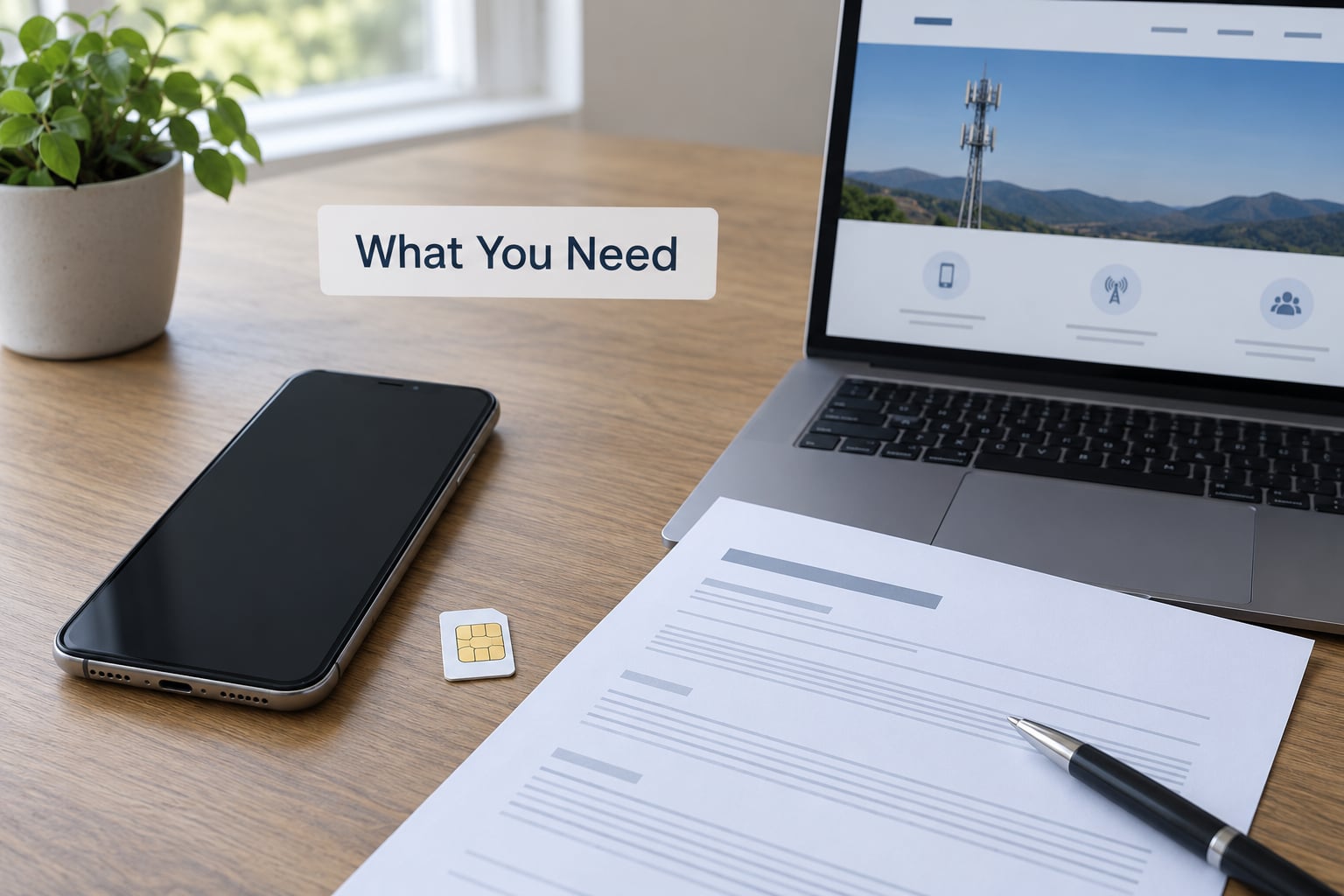
Before you contact anyone, gather four things. Missing one of them is the reason most requests bounce.
The carrier account. Your account PIN or passcode, the mobile number on the line, and enough account detail to pass identity checks. If the phone is still on an instalment plan, the account holder is usually the only person who can approve the unlock.
The device details. Your IMEI is the 15-digit number that identifies the phone. Find it in Settings, General, About, next to IMEI. You can also dial *#06# on the phone and the number appears on screen.
Proof the device is paid off. Some carriers want the payoff balance to be at zero. If you still owe money, know the exact amount before you file, because paying it and then requesting the unlock is the normal path.
Your Apple ID password. You will need it later, and often during the verification call.
Check all of this yourself first. Every carrier will tell you your eligibility for free over its own app, website, or phone line. Paying someone to find that out is a waste.
Step-by-Step
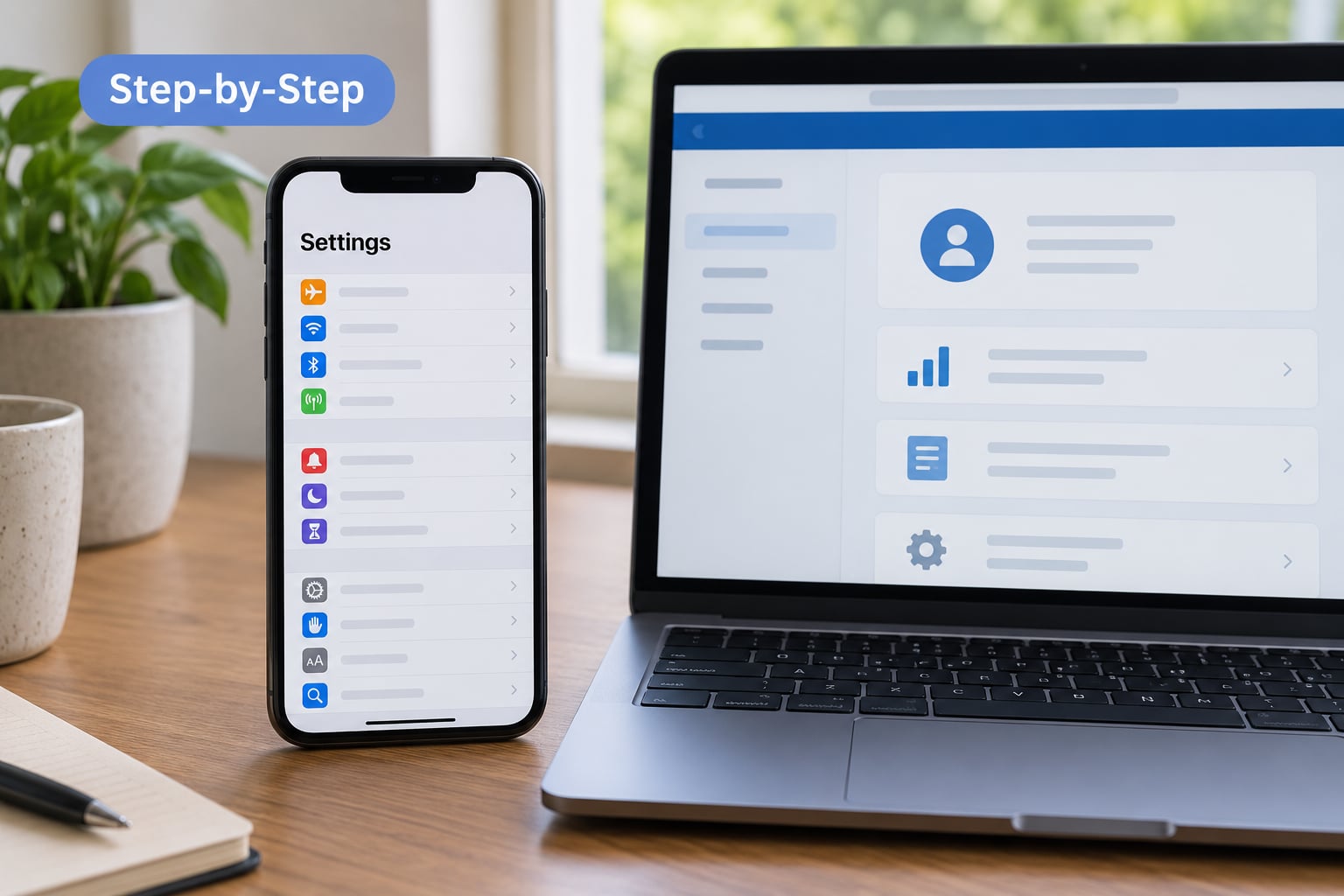
1. Check Whether Your iPhone Is Carrier-Locked
Open Settings and tap General, then About, then scroll down to the Carrier Lock field. It tells you which of two states you are in.
- No SIM restrictions means the iPhone is already unlocked. Nothing to do.
- A carrier name, or an entry saying the SIM is locked or not supported, means a carrier restriction is active.
Write down the IMEI on that same About screen. You will need it for the request.
One confusion causes most wasted effort here. A carrier lock is not the same as Activation Lock, which is Find My iPhone tied to someone’s Apple ID. Activation Lock shows up at activation with an Apple ID prompt. If the previous owner wiped their Apple ID but did not turn Find My off, no carrier will remove that for you — only the owner can, through their Apple ID account page.
The third one is a device management profile, common on phones bought through an employer, a school, or a business plan. That lock is cleared by whoever administers the account, not by the carrier.
2. Confirm Eligibility With Your Carrier
Three conditions decide almost every request. The device is fully paid off, the account is in good standing with no past-due balance, and the IMEI is not flagged as reported lost or stolen.
There is often a fourth. If you took the phone through an early upgrade recently, the carrier often enforces a waiting period of 30 or 60 days on the device itself, regardless of whether it is paid off. You can request the unlock and it will be held, or refused, until that window ends.
Account ownership matters more than people expect. One buyer of a used AT&T-locked iPhone 11 found the unlock portal demanded a mobile number on the account and could not be completed without one, even after choosing the no-mobile-number option. If you have no carrier account at all, ask the previous owner to remove the device from their account first — that is the single most useful thing they can do for you.
3. Request an Unlock Through the Carrier
Use the carrier’s own channels. The account website or carrier app has an unlock form in the device or plan section, and phone support can file the request while you are on the line. This is the part of how to unlock iPhone from a carrier that people skip, and skipping it is what leads to a rejection weeks later.
Have the IMEI, the mobile number on the account, the account PIN, and your Apple ID password in front of you. Some carriers also ask for the line type and whether the phone is on an instalment plan.
Keep the reference number from the request or the case number from the call. When the approval email arrives, it usually quotes the IMEI and says the device is unlocked. That email is the record you use if anything goes wrong afterwards.
One r/Verizon user described getting an approval message stating their device was unlocked while Settings still showed SIM Locked for a while. That gap is normal, and the section on verification below explains why.
4. Use Apple’s Official Support Channel When Appropriate
Apple can help when the problem is on Apple’s side. A phone that arrived locked to the wrong carrier, a hardware fault showing after an unlock, or a device that stays restricted after the carrier confirmed the server-side flag is cleared all fall under Apple Support.
For an ordinary carrier lock, Apple will point you back to the carrier, because only the carrier can authorise the release. Bring the carrier’s approval email and your reference number to Apple, since that proves the request went through correctly and saves a lot of back and forth.
If a retailer shipped you a locked phone when you bought an unlocked one, start with the retailer’s returns team rather than the carrier. Unlock requests get denied in that situation for a reason that has nothing to do with you.
5. Verify That the iPhone Is Unlocked
Restart the iPhone. A force restart on most models is holding the side button and the volume down button until the Apple logo appears.
Then check Settings, General, About again. If the field now reads No SIM restrictions, the server-side flag has cleared.
For a physical SIM, power off the phone, pull the nano-SIM from the tray, and slot in the new card. Power back on and let it activate. Allow a few minutes on a weak signal.
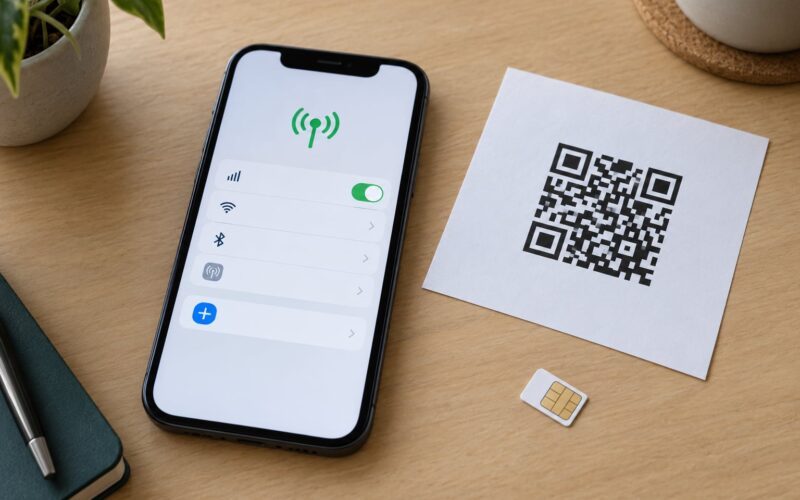
For an eSIM, open Settings, Cellular, Add eSIM and scan or enter the QR code your new carrier sent you. A carrier-locked iPhone will only accept an eSIM issued by the carrier that locked it, so an unlocked status matters here too.
If the approval email arrived hours or days ago and the About screen still shows a lock, do not file a second request. The email confirms the carrier processed your request; the About screen pulls from Apple’s activation servers, which can lag behind. Restart again after a day. If nothing has changed after a couple of days, call the carrier and quote your reference number.
Common Mistakes
Paying an IMEI unlock site. Sites selling instant unlock codes ask for your IMEI and payment before anyone checks whether you own the device. Submitting the IMEI of a phone that is not yours is unlawful in many places and can get both you and the seller blocked. The real process is free and runs through the carrier.
Unlocking the wrong device. Family plans with several lines make this easy to get wrong. Confirm the IMEI on the About screen matches the number in the request confirmation.
Using the wrong carrier’s account. Only the carrier that applied the lock can lift it. A T-Mobile account has no authority over an AT&T-locked phone, no matter how much you trust the support agent.
Ignoring a past-due balance. An unpaid bill can hold the request indefinitely even when the hardware itself is paid off. Clear the balance, then re-request.
Buying a phone that is permanently restricted. A lost-or-stolen flag or an unremoved corporate profile will not clear through the carrier unlock process. Confirm the About screen reads No SIM restrictions before you complete a marketplace purchase.
Filing duplicate requests. Each new ticket resets the clock and can confuse the carrier’s queue. One clean request with a saved reference number is faster than three panicked ones.
Frequently Asked Questions
How long does it take to unlock an iPhone?
Most carriers clear the lock the same day they approve the request, so a few hours is common. Others quote 48 to 72 hours, and a Sprint user with a gifted phone reported being told to expect 72 hours for a work order. An early-upgrade device can add a mandatory 30 or 60 day wait before the request is accepted at all.
Can I unlock an iPhone without an account with the carrier?
You can request it without your own account, but you will need help from whoever does have one. Many carriers will let the account holder remove the device from the account online, which detaches it from the old number. After that, the unlock request goes through the carrier’s normal channel using the IMEI and the Apple ID on the device.
Does it cost anything to get a carrier unlock?
No. Carrier unlock requests are free with every US carrier as long as the device is paid off and the account is in good standing. If you still owe on the phone, the only charge is the payoff amount you already owe. Any site charging you to process an unlock is selling something other than the unlock.
Can I unlock a prepaid or family plan iPhone?
Usually yes, once the line is active and the device is paid off. Prepaid devices that have been paid in full often unlock quickly through the carrier’s app. On a family plan, the account owner may need to remove the line or transfer the device. If a prepaid phone has never been activated, the carrier will usually activate it first.
What do I do if my unlock request was rejected?
Ask for the specific reason in writing. The usual causes are an unpaid balance, a device still inside an early-upgrade window, or an IMEI flagged as lost or stolen. Clear the balance, wait out the upgrade window, or confirm the device was reported lost in error, then resubmit once with the reference number from the first attempt.
What to Do First
Open Settings, General, About and read the Carrier Lock line. That single screen tells you whether you have a carrier lock at all, gives you the IMEI you need, and saves you from unlocking the wrong problem. If it says No SIM restrictions, you are done and the rest of this does not apply to your phone.
If it names a carrier, sort out the three blockers in order: the payoff balance, the early-upgrade window, and the lost-or-stolen flag. Get those clear, then file one request through the carrier’s app or support line and keep the reference number.
Once the approval email lands, restart the phone and check that same About screen again. Install the SIM or activate the eSIM from your new carrier, and the phone is yours to use on whichever network suits you.