You can check iPhone warranty status on your device in Settings, or online at checkcoverage.apple.com using the 10-character serial number. The on-device route takes about thirty seconds; the online route takes a minute and works for any iPhone, including one that is not signed into your Apple Account.
Last updated October 2026. Written for iOS 26, with notes on where a screen differs on earlier releases. Apple moves items between versions more often than people expect.
Table of Contents
- 1What You Need
- 2Step-by-Step
- 3Check coverage in the Apple Coverage app
- 4Find warranty information in iPhone Settings
- 5Use the device serial number as a backup
- 6Confirm the Apple Account and purchase details
- 7Understand what the warranty result means
- 8Common Mistakes
- 9Frequently Asked Questions
- 10Can I check my iPhone warranty without the Apple Coverage app?
- 11How do I find the serial number for my iPhone?
- 12Does checking warranty status tell me whether my iPhone is eligible for a repair?
- 13What information do I need if Apple cannot find my purchase?
- 14Can I check an iPhone warranty purchased in another country?
- 15Does AppleCare+ cover the same problems as the standard Apple warranty?
- 16Conclusion
What You Need
Four things, and only two of them are compulsory.
- The iPhone itself, powered on and unlocked. No computer, no cable, no software.
- The Apple Account signed into that iPhone. The Coverage app and the AppleCare & Warranty screen both read from it.
- The serial number, which you can copy straight from Settings if the first two routes come back empty.
- Proof of purchase, kept nearby but not needed for the lookup itself. You will want the receipt, order confirmation email or card statement only if the purchase date on record is wrong.
One warning before you start: there is no official free IMEI warranty checker. Third-party lookup sites that promise to check an iPhone warranty are not affiliated with Apple, and the ones that ask you to paste a serial number are collecting a unique device identifier that is worth avoiding.
Step-by-Step
Check coverage in the Apple Coverage app
The Apple Coverage app is the fastest of the two on-device routes, and it is the one most people never find. It is preinstalled on iOS.
- Open Coverage from your Home Screen.
- Tap iPhone at the top of the device list to select the phone rather than the default entry.
- Authenticate with Face ID, Touch ID or your Apple Account password.
- Read the screen. It shows your limited warranty expiry date, your AppleCare or AppleCare+ plan and its expiry date, and the complimentary technical support window, each as a separate line.
You know it worked when the page lists a date rather than a spinner that never resolves. If it is stuck on a loading circle, check that you have a working internet connection, then try again rather than refreshing.
Find warranty information in iPhone Settings
Settings gives you two separate screens, and they answer different questions. Confusing the two is the most common reason people think they have no coverage when they do.
- Open Settings, then tap General.
- Tap AppleCare & Warranty. This lists every Apple device signed into the current Apple Account, with a coverage line and an expiry date under each one.
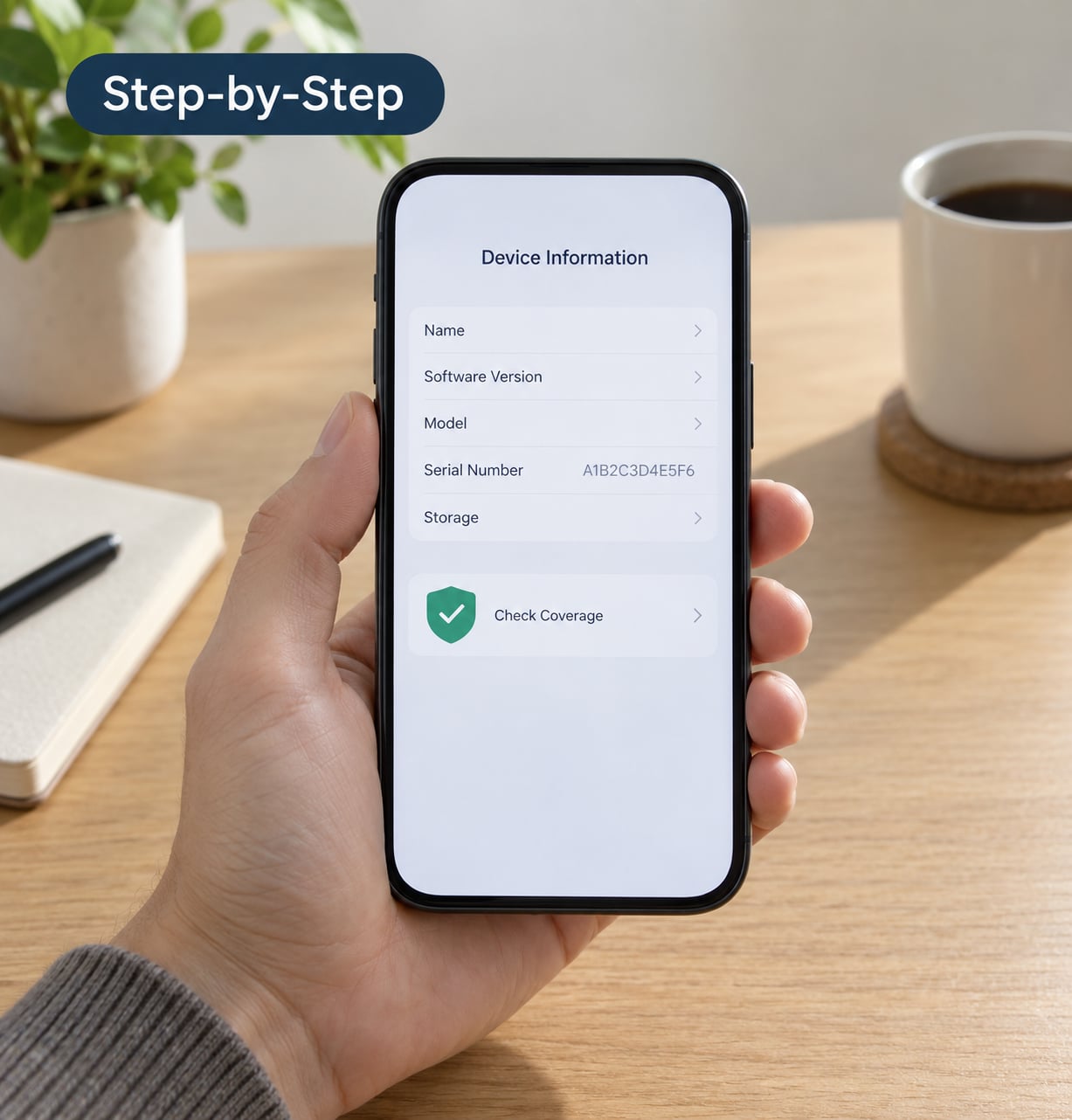
- For your model name and serial number, go back to General and tap About. Scroll to Serial Number and tap the row to copy it.
In some regions, and on some network-locked carrier models, the AppleCare & Warranty screen is missing entirely or offers only a prompt to contact the carrier. That is a regional limitation, not a sign your phone is unregistered.
Use the device serial number as a backup
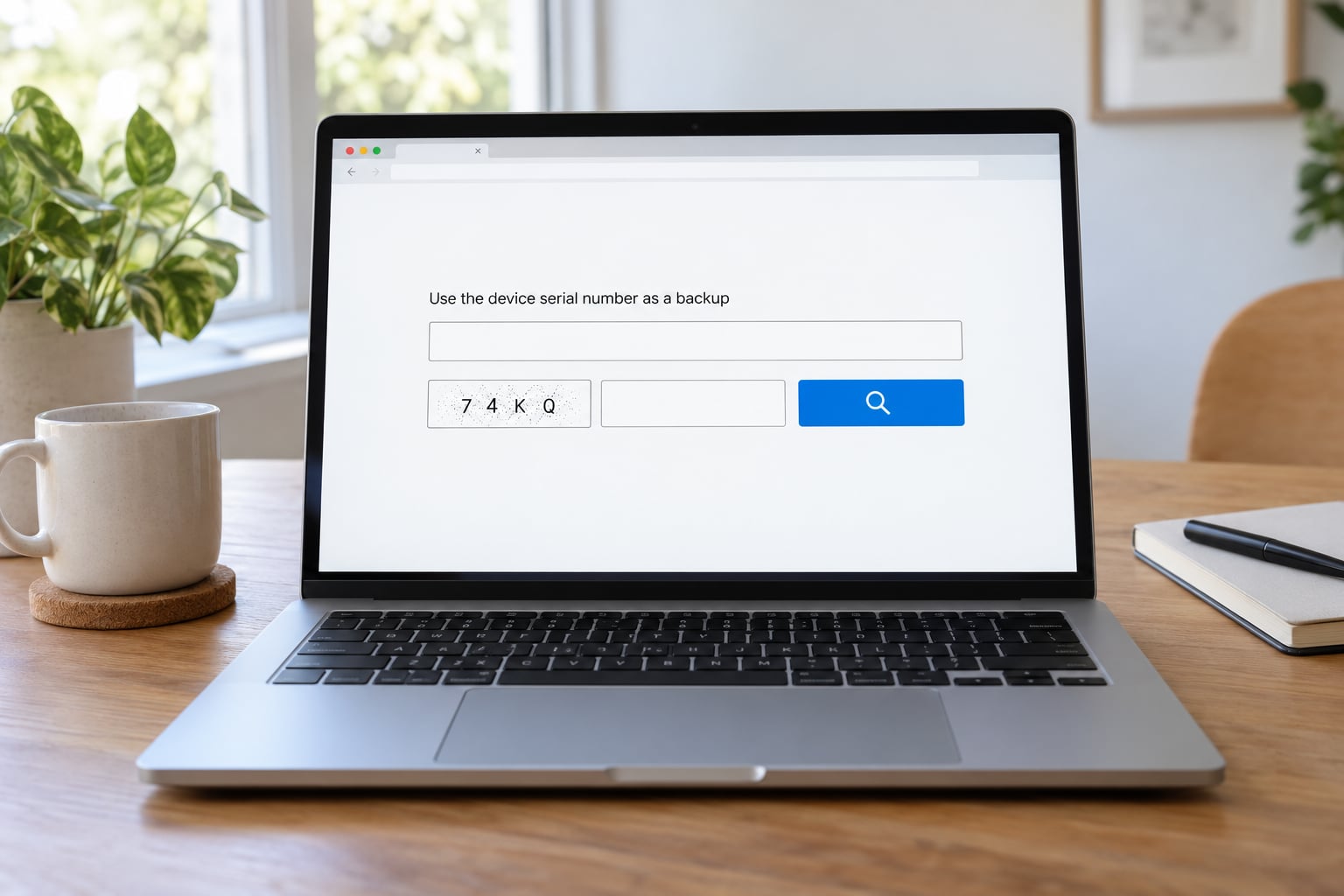
When Settings shows nothing, the serial number route always works. It also covers the common case of a phone handed down or bought second-hand, because it does not care which Apple Account is signed in.
- Find the serial number: Settings > General > About. It is a 10-character alphanumeric string.
- Tap it to copy. Older models also have it in the box, on the SIM tray, or on the device in Finder or iTunes on a Mac.
- Open Apple’s Coverage Lookup Tool at checkcoverage.apple.com.
- Choose Enter a Product Serial Number and paste the serial.
- Click Continue.
- Fill in the verification code from the page, which keeps automated lookups from being abused.
- Read the result: purchase date, limited warranty expiry, AppleCare or AppleCare+ status and expiry, and whether technical support is active.
Confirm the Apple Account and purchase details
If the lookup comes back with a missing or obviously wrong purchase date, work through this in order before contacting anyone.
- Confirm you are signed into the Apple Account that originally bought the phone. Devices bought on a family member’s account appear under that account, not yours.
- Re-run the serial number lookup at checkcoverage.apple.com. It often carries a more complete record than the on-device screen.
- Gather proof of purchase: the original sales receipt, an order confirmation email from Apple or an authorised reseller, or a bank or card statement showing the purchase.
- Contact Apple Support or visit an Apple Store and submit the proof so the purchase date can be updated in their records.
Apple’s support page on updating a purchase date is the authoritative version of step 4. Users on Apple Discussions report that submitting an Apple Store receipt resolves a wrong estimated date, while a credit card statement alone is often accepted more slowly. Set an alarm rather than assuming the year runs from the day you unboxed the phone.
Understand what the warranty result means
Four different things get called “the iPhone warranty”, and the difference matters when you walk into a service appointment.
| Coverage | How long | What it covers | What it does not cover |
|---|---|---|---|
| Apple One Year Limited Warranty | One year from purchase, extended by consumer law in some countries | Defects in materials and workmanship, plus 90 days of technical support | Accidental damage, liquid damage, cosmetic wear, battery issues |
| AppleCare | Adds coverage beyond the limited warranty | Extended repair service, priority support | Accidental damage |
| AppleCare+ | Typically three years from purchase | Repair for accidental damage, loss or theft, battery service, priority support | Cosmetic wear, software protection plans |
| Statutory consumer law | Often two years in the UK, EU, Australia, Türkiye and elsewhere | Faulty goods that fail within a reasonable time | Damage caused by misuse |
Two exclusions catch people out. A battery that has dropped below 80% of design capacity is treated as consumable, not defective, unless you bought AppleCare+. And a device that has been jailbroken or repaired by a third party can have its warranty voided entirely.
The limited warranty does not cover liquid damage, so a coffee spill is a full out-of-warranty repair no matter what the coverage page says.
Common Mistakes
Checking a different phone than you think. The AppleCare & Warranty screen defaults to whichever device is listed first. Tap the correct model name before reading anything.
Using a third-party IMEI site. These are not Apple’s lookup tool, they cannot see Apple’s records, and several collect serial numbers. Use checkcoverage.apple.com or nothing.
Treating coverage as repair approval. A valid warranty means Apple will consider your claim, not that any repair is free. Accidental damage is billed unless you hold AppleCare+.
Expecting a service program to show up. Battery and recall programs are tracked separately and never appear as coverage in the lookup. If your battery has swollen or your device is on a recall list, check Apple’s service programs page directly rather than reading a “no coverage” result as a verdict.
Letting the clock run. Once the window closes, an out-of-warranty battery replacement moves from free to a three-figure repair. If your battery is struggling, book the appointment before the date passes.
Trusting a used seller’s claim. Apple’s records decide, not the person across the table. Run the serial number through the lookup before you pay.
Frequently Asked Questions
Can I check my iPhone warranty without the Apple Coverage app?
Yes. Open Settings, tap General, then AppleCare u0026amp; Warranty to see devices signed into your Apple Account. If that screen is empty or missing, copy your serial number from Settings u0026gt; General u0026gt; About and look it up at checkcoverage.apple.com. The online route also works for a phone bought on someone else’s account.
How do I find the serial number for my iPhone?
Open Settings and tap General u0026gt; About, then scroll to Serial Number and tap the row to copy it. Older iPhones also show it inside the box, on the device’s SIM tray, or on the device list in Finder or iTunes on a Mac. You can also find it on the back of the phone on some older models.
Does checking warranty status tell me whether my iPhone is eligible for a repair?
No. The lookup only shows what Apple has on record: your purchase date, limited warranty expiry and any AppleCare or AppleCare+ plan. Whether a specific fault is covered is decided when a technician examines the device. Coverage confirms the clock has not run out; it does not confirm that any particular damage is free to fix.
What information do I need if Apple cannot find my purchase?
You need proof of purchase. The most accepted document is the original sales receipt, followed by an order confirmation email from Apple or an authorised reseller, then a bank or card statement showing the transaction. Take it to Apple Support or an Apple Store so the purchase date can be corrected. Card statements are slower to process and can be declined.
Can I check an iPhone warranty purchased in another country?
Yes, the serial number lookup works internationally, though coverage terms follow the country of purchase rather than where the phone is now. The UK, EU, Australia, India and Türkiye all apply statutory consumer rights that can extend the limited warranty to around two years. A warranty does not transfer between countries, so a phone bought in the US keeps US terms wherever you use it.
Does AppleCare+ cover the same problems as the standard Apple warranty?
It covers more. The Apple One Year Limited Warranty handles defects in materials and workmanship. AppleCare+ adds repair for accidental damage, loss or theft, plus battery service when capacity drops below 80%, and priority technical support. Neither covers cosmetic wear, and liquid damage is only covered if you specifically bought AppleCare+ with that cover.
Conclusion
Open Coverage first, then Settings > General > AppleCare & Warranty. If neither shows your phone, run the serial number through checkcoverage.apple.com, because that lookup sees records the on-device screens miss.
If the result is unclear, the purchase date is wrong or the coverage has lapsed, gather your receipt or order confirmation and contact Apple Support with it in hand. That single step resolves more cases than anything else on this page.