Yes, you can track your sleep without an Apple Watch. Open the Health app on your iPhone, tap Browse > Sleep > Get Started, and set a bedtime and wake time, or install a sleep app that uses your phone’s accelerometer and microphone to log the night. Updated for October 2026.
There are really two routes. The free Health app route gives you time in bed and a sleep schedule reminder in about two minutes. The app route gives you a real sleep graph, a smart alarm, snoring detection and a score, and the phone stays your only sensor.
This guide walks through both, plus a manual log for the nights when automatic tracking falls apart. If you skip to the end, you will still have a working setup by bedtime tonight.
Table of Contents
- 1What You Need
- 2Step-by-Step: How to Track Sleep Without an Apple Watch
- 3How to Track Sleep Without an Apple Watch Using the Health App
- 4How to Track Sleep Without an Apple Watch With a Sleep App
- 5Record a Manual Sleep Log
- 6Review Your Sleep Trends and Improve Accuracy
- 7Common Mistakes
- 8Frequently Asked Questions
- 9Can my iPhone track my sleep without an Apple Watch?
- 10What is the best free app for tracking sleep on an iPhone?
- 11Where should I place my iPhone while tracking sleep?
- 12Is iPhone sleep tracking accurate without a smartwatch?
- 13Can I use my iPhone’s microphone to track snoring or sleep sounds?
- 14How long should I track my sleep before seeing useful patterns?
- 15Conclusion
What You Need
An iPhone running a recent version of iOS is the only real requirement. The Health app ships with the phone, costs nothing and needs no account. An Apple Watch is not required.
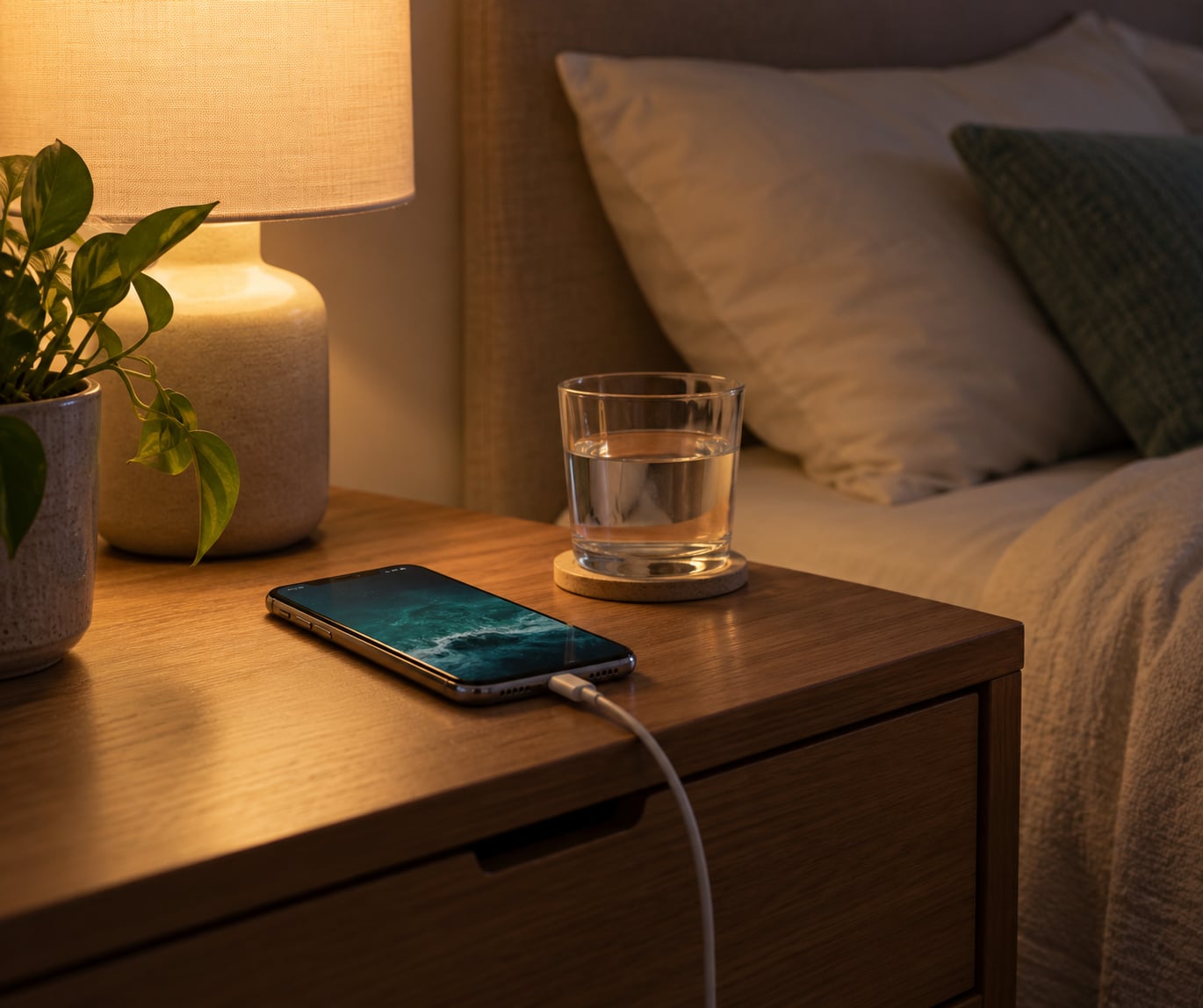
You do need the phone to charge at your bedside, not across the room. Most phone-only trackers miss the night if the device is unplugged and out of range, because the screen locks and movement sensing goes quiet.
Add a third-party sleep app if you want sleep stages, a score or snoring data. Add nothing else. Some apps ask for a huge set of permissions, and granting them all is the fastest way to end up with three months of missing data.
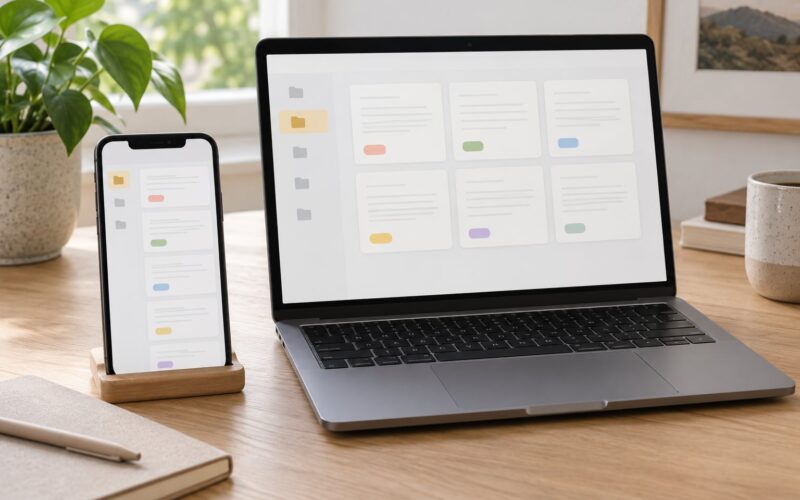
An iPad can run the Health app and sync your sleep history, but it is not a sensible bedside sensor. It sits on a nightstand or a shelf, out of arm’s reach and mostly still. Use an iPhone for tracking and let the iPad display the history.
One more thing helps more than any app: a consistent bedtime. Apple and third-party apps both estimate your sleep window from when your phone goes quiet, so an irregular schedule produces a jagged graph that tells you nothing.
Step-by-Step: How to Track Sleep Without an Apple Watch
Start by picking one method, not four. The single most common mistake is installing three trackers, letting each log a slightly different night, then abandoning all of them after a week.
How to Track Sleep Without an Apple Watch Using the Health App
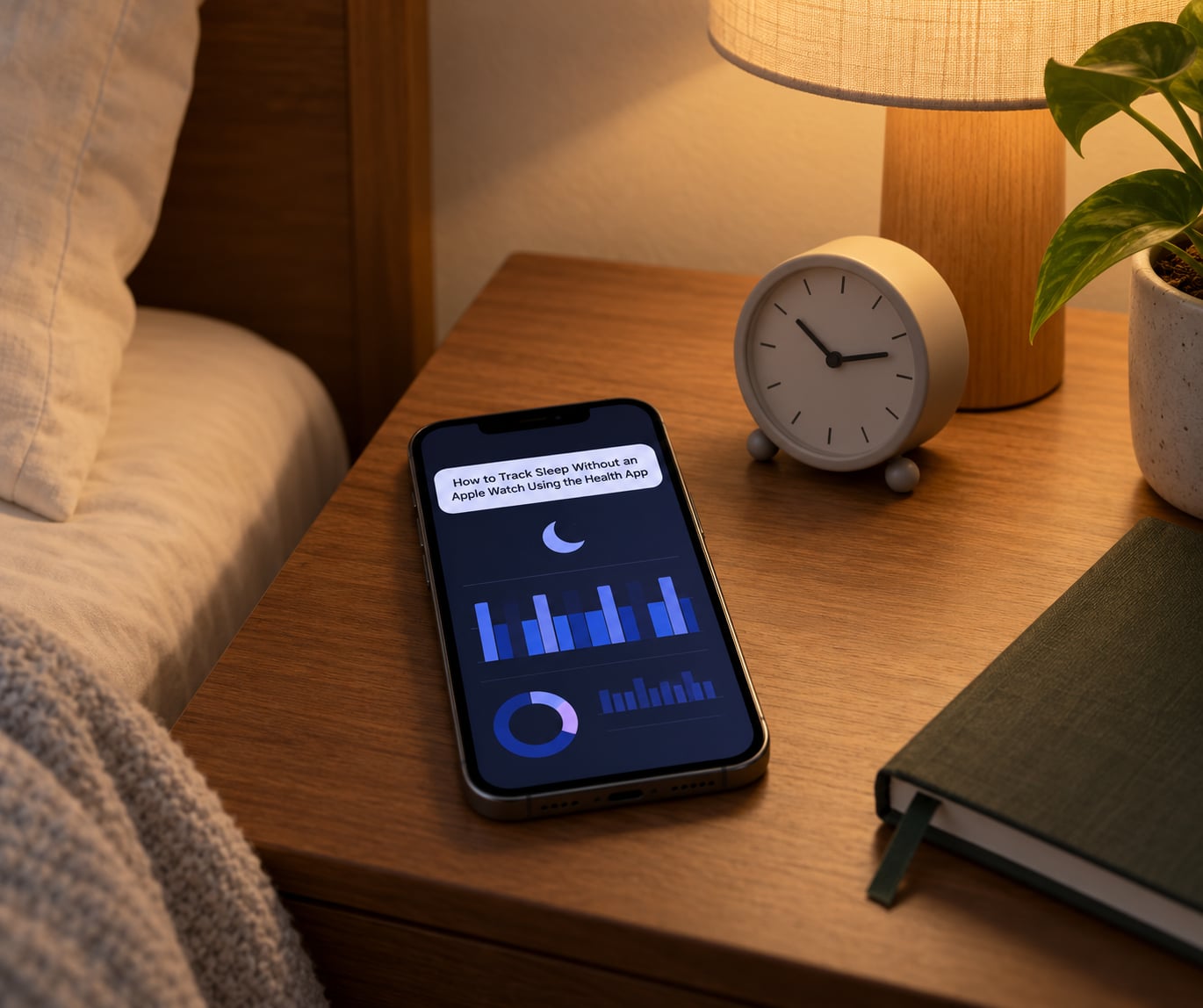
Apple added sleep schedule tracking to the iPhone years ago, and it is the fastest route. Here is the exact path:
- Open Health and tap Browse in the top right corner.
- Choose Sleep, then tap Get Started.
- Set your bedtime and wake time. The app uses these to estimate how long you were in bed.
- Turn on the Bedtime reminder so your phone nudges you toward a consistent sleep window.
- Optional: set a goal for sleep duration under Sleep in Browse.
The Bedtime reminder lives in the Clock app too. Open Clock > Bedtime, tap Edit, and set your sleep schedule and alarm there.
If you also want your phone to stop lighting up mid-night, add the Sleep Focus mode. Go to Settings > Focus > Sleep and turn it on, or schedule it so it starts shortly before bedtime.
Be clear-eyed about what this gives you. Apple’s phone-based tracking is time in bed, inferred from your sleep schedule and when you pick the phone up in the morning. It does not measure sleep stages, heart rate, heart rate variability, breathing rate or snoring. It is a consistency tool, not a measurement instrument, and it is genuinely useful for one reason: it shows you whether you are actually going to bed when you say you are.
How to Track Sleep Without an Apple Watch With a Sleep App
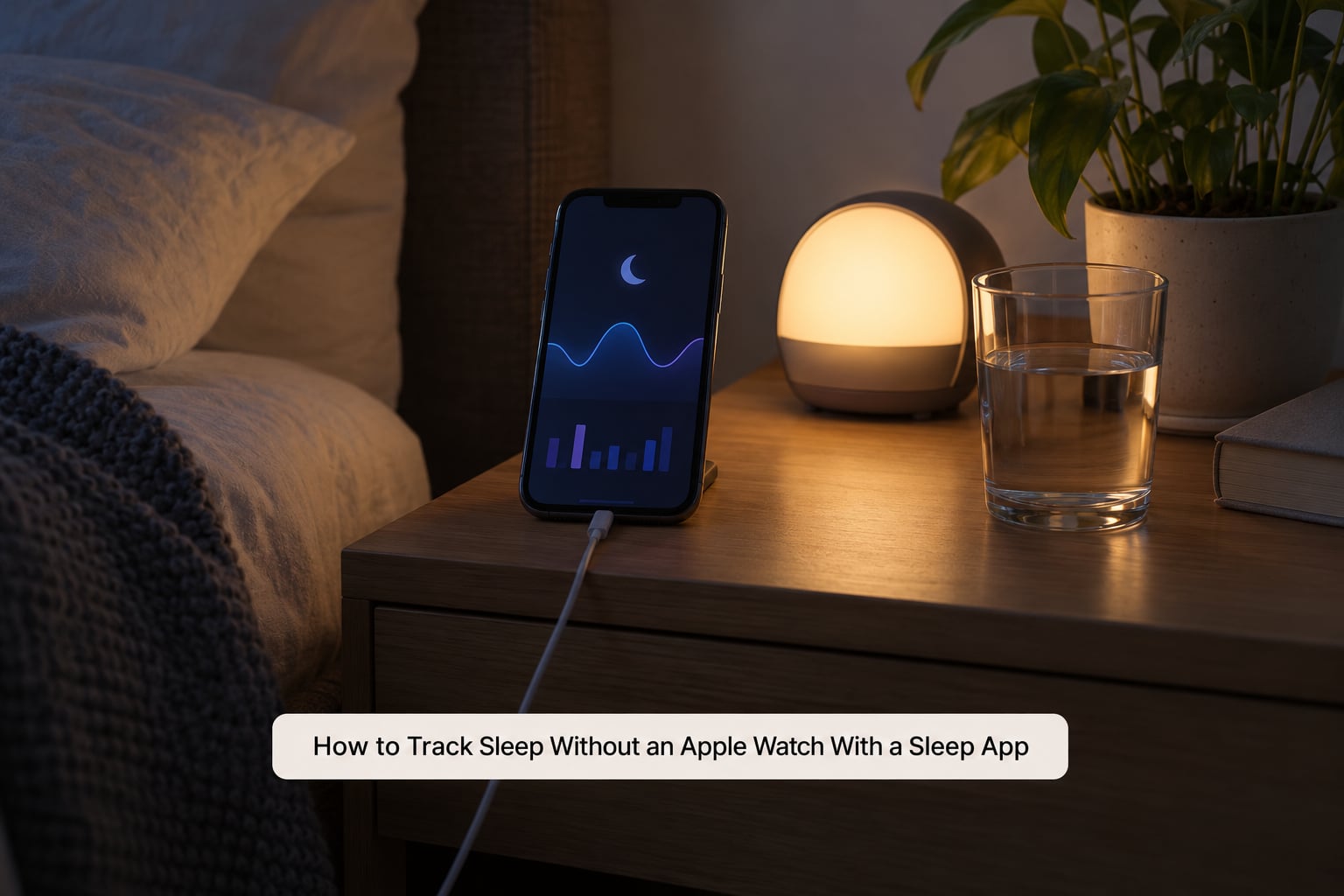
Apps add the sensors the Health app ignores. Sleep Cycle and SleepWatch read movement and sound. Pillow builds a dashboard from several sources at once. Rise is built around a gentler wake-up window. AutoSleep is worth knowing because it infers time in bed from when you stop touching the phone and pick it back up in the morning.
Set one up like this:
- Install the app and create the account or skip straight to the sleep screen if it allows it.
- Grant only what it asks for. Motion and fitness is the sensor. Microphone is needed for snoring and breathing sounds. Notifications are for the smart alarm.
- Allow it to write to Apple Health so everything lands in one place: in Health, tap your profile picture, choose Apps, select the sleep app, then turn on Sleep Analysis.
- Place the phone and plug it in.
- Run one full night before judging it.
Placement matters more than the app you chose. Two setups work reliably: the phone on the mattress beside your pillow, screen down, charging; or the phone face up on the nightstand within arm’s reach, charging. Mattress placement catches movement better, nightstand placement catches sound better. Both need the cable, because a phone at 10 percent that dies at 2am leaves a hole in the record.
On sound-based features, know the limit. An app can flag loud, irregular breathing. It cannot diagnose sleep apnea, and it should not be used to. If snoring with pauses in breathing is a pattern, that is a conversation for a doctor, not a score on a phone.
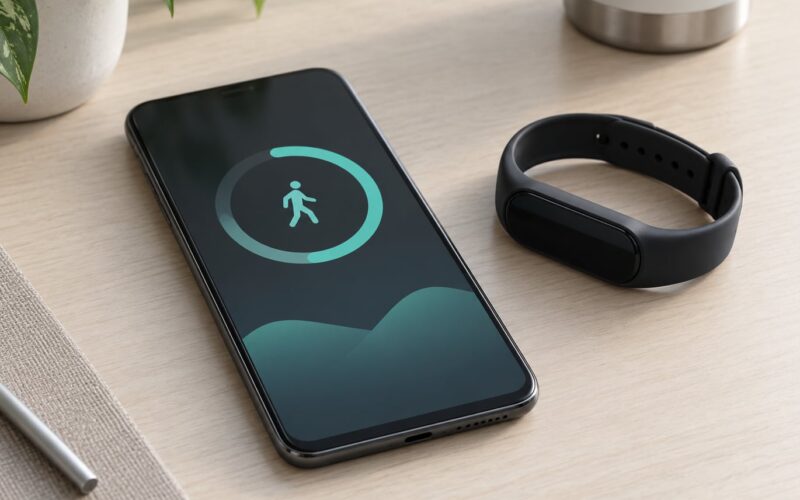
If you would rather not wear anything but still want stages, heart rate and heart rate variability, a non-Apple wearable is the other route. Fitbit, Garmin and most smart rings from Oura, RingConn, Circular and Ultrahuman can write sleep data into Apple Health through their own iPhone app. Two things to check before buying: whether the device writes heart rate variability or only sleep duration, and whether the membership is a monthly subscription or a one-off payment.
Record a Manual Sleep Log
Some nights defeat automatic tracking. A partner changed the sheets, the phone fell off the nightstand, or you read on the sofa until midnight and never made the bed. That is when a paper log beats an app.
Write down five things, and nothing more:
- Bedtime, the time you lay down and tried to sleep.
- Estimated time awake, roughly how long you were up during the night.
- Wake time and whether you got up before the alarm.
- Naps, including short ones, since they change your overnight need.
- Quality note, one word: good, broken, restless, heavy.
A paper log beside the bed takes thirty seconds. Do it before you leave the bedroom, because memory fills in the gaps fast by morning. If you have an iPad on the nightstand, a Notes app checklist works just as well and syncs with the phone.
The log is not a backup plan of last resort. For a few weeks it is often the more honest record, because it captures the night your phone was not next to you.
Review Your Sleep Trends and Improve Accuracy
One night proves nothing. Consumer trackers disagree with each other by an hour or more on the same night, and every app has its own idea of what counts as deep sleep. Judge a tracker on two weeks of data, never on one.
After seven nights, open the trend view, not the last-night view. Look at three things: how consistent your bedtime is, how consistent your wake time is, and how many nights fall far outside the rest. Consistency drifts far more than it jumps, which is why fixing your wake time usually helps more than fixing your bedtime.
If a night is missing entirely, work through these in order: the phone was dead, the phone was out of the room, the app lost Health write permission, or you changed the bedtime schedule and the app needed a night to adapt.
Then tighten the setup. Charge it every night. Keep it in the same spot. Leave the microphone permission alone once granted. And turn off any second tracker so you are not reading two different graphs and wondering which one is lying.
Common Mistakes
The phone is too far away. On a dresser across the room, movement sensing fails and the app logs a short, wrong night. Put it on the nightstand or the mattress.
The phone dies at 2am. This is the number one cause of missing data. Charge it on a long cable, ideally with the low-power setting so it does not restart tracking overnight.
Granting every permission on the first screen. Deny anything unrelated to motion, sound and Health. Revoke it later in Settings > Privacy > Health if you handed over too much.
Treating time in bed as time asleep. If you lie awake for an hour, the duration still counts. The difference is exactly what you are trying to learn.
Skipping the Bedtime reminder. Manual consistency is the single biggest factor in usable data. Turn the reminder on before you start judging the numbers.
Reading a score on night one. Sleep scores are proprietary and inconsistent between apps. Watch the trend line instead.
Expecting heart rate or HRV from a phone. Those need skin contact and a wearable. Phone apps that claim otherwise are estimating, not measuring.
One accuracy tip worth keeping: validate once against a night you already know. Compare the app’s bedtime against when you actually turned the light out and dropped the phone. If it is consistently off by twenty minutes, adjust the schedule once and stop fiddling.
And a plain note on limits. Consumer sleep trackers are general wellness tools, not medical devices. They are useful for spotting trends in duration and consistency. They do not diagnose apnea, insomnia or any other sleep condition. Ongoing snoring, gasping, or unrefreshing sleep despite enough hours in bed deserves a doctor’s attention rather than a better app.
Frequently Asked Questions
Can my iPhone track my sleep without an Apple Watch?
Yes. The Health app tracks time in bed from your sleep schedule, and third-party apps use your phone’s accelerometer and microphone to build a real sleep graph. Neither gives you sleep stages, heart rate or HRV, because those need a wearable with skin contact.
What is the best free app for tracking sleep on an iPhone?
For a phone-only setup, Sleep Cycle and SleepWatch are the common free picks, and both export data to Apple Health. AutoSleep is a one-time purchase and works well from phone movement alone. Just check the app writes to Health, or your history stays trapped inside the app.
Where should I place my iPhone while tracking sleep?
Put it on the mattress beside your pillow, screen down, or within arm’s reach on the nightstand, and keep it charging either way. Mattress placement picks up movement better, nightstand placement picks up sound better. Across the room usually means no usable data.
Is iPhone sleep tracking accurate without a smartwatch?
Good enough for bedtime and wake time trends, weak on anything physiological. Phone apps infer sleep from movement and sound, so they can miss a still, awake hour. Treat the numbers as a rough trend over two weeks rather than a clinical reading of a single night.
Can I use my iPhone’s microphone to track snoring or sleep sounds?
Several apps will record and flag loud or irregular breathing while the phone charges on the nightstand, which is why nightstand placement suits sound tracking. Treat those flags as prompts to pay attention, not as a diagnosis. Breathing pauses or loud snoring deserve a doctor’s opinion.
How long should I track my sleep before seeing useful patterns?
Give any method at least a week before drawing conclusions and two weeks before changing your routine based on it. Compare nightly numbers only to yourself over that period, never to a friend’s tracker or to last month’s total, since every app counts sleep differently.
Conclusion
If you only want one thing working tonight, set the sleep schedule in the Health app and turn on the Bedtime reminder. That costs nothing, takes two minutes, and fixes the habit that actually moves the numbers.
If you want a sleep graph, a smart alarm and snoring flags, install one app, put the phone on the mattress or the nightstand, and charge it every night. If you want stages, heart rate and HRV, plan for a ring or another wrist wearable that writes to Apple Health, and check its subscription model first.
Then leave it alone for two weeks before deciding anything. The point of tracking sleep without an Apple Watch is a consistent record, and consistency takes longer to read than it takes to set up.