You cannot remove Activation Lock by wiping the phone. The lock lives on Apple’s servers and is tied to your Apple Account (formerly called Apple ID), so if you want to know how to remove activation lock before selling iPhone ownership, the only route is to sign out and remove the device from your account, then erase it. The whole job takes about fifteen minutes plus however long your backup takes.
Get it wrong and the buyer sees an iPhone Locked to Owner screen asking for an Apple Account that belongs to you. Resellers refuse those phones outright, and most marketplace buyers ask for their money back.
Apple renamed Find My iPhone to Find My and then to Find Devices across recent iOS versions, and the menus below are written against iOS 17, 18 and later.
Table of Contents
- 1What You Need Before You Start
- 2Step-by-Step: How to Remove Activation Lock Before Selling iPhone
- 3Step 1: Back Up the iPhone
- 4Step 2: Sign Out of Apple Account
- 5Step 3: Turn Off Find My and Remove the Device
- 6Step 4: Erase All Content and Settings
- 7Step 5: Confirm the Activation Lock Is Gone
- 8Common Mistakes That Leave Buyers Locked Out
- 9Forgetting the Apple Account password
- 10Leaving Find My turned on
- 11Assuming Erase All Content and Settings removes the lock
- 12Letting a buyer sign into their own Apple Account
- 13Paying someone to bypass the lock
- 14How to remove Activation Lock if you already sold the phone
- 15Removing Activation Lock without the previous owner
- 16Frequently Asked Questions
- 17Will a factory reset remove the activation lock?
- 18Can you sell an iPhone with an activation lock still on?
- 19I forgot my Apple ID and password to remove Activation Lock. What now?
- 20Does removing iCloud from the iPhone delete everything?
- 21How do I remove Activation Lock without the previous owner?
- 22Can I factory reset my iPhone and give it to someone else?
- 23Conclusion
What You Need Before You Start
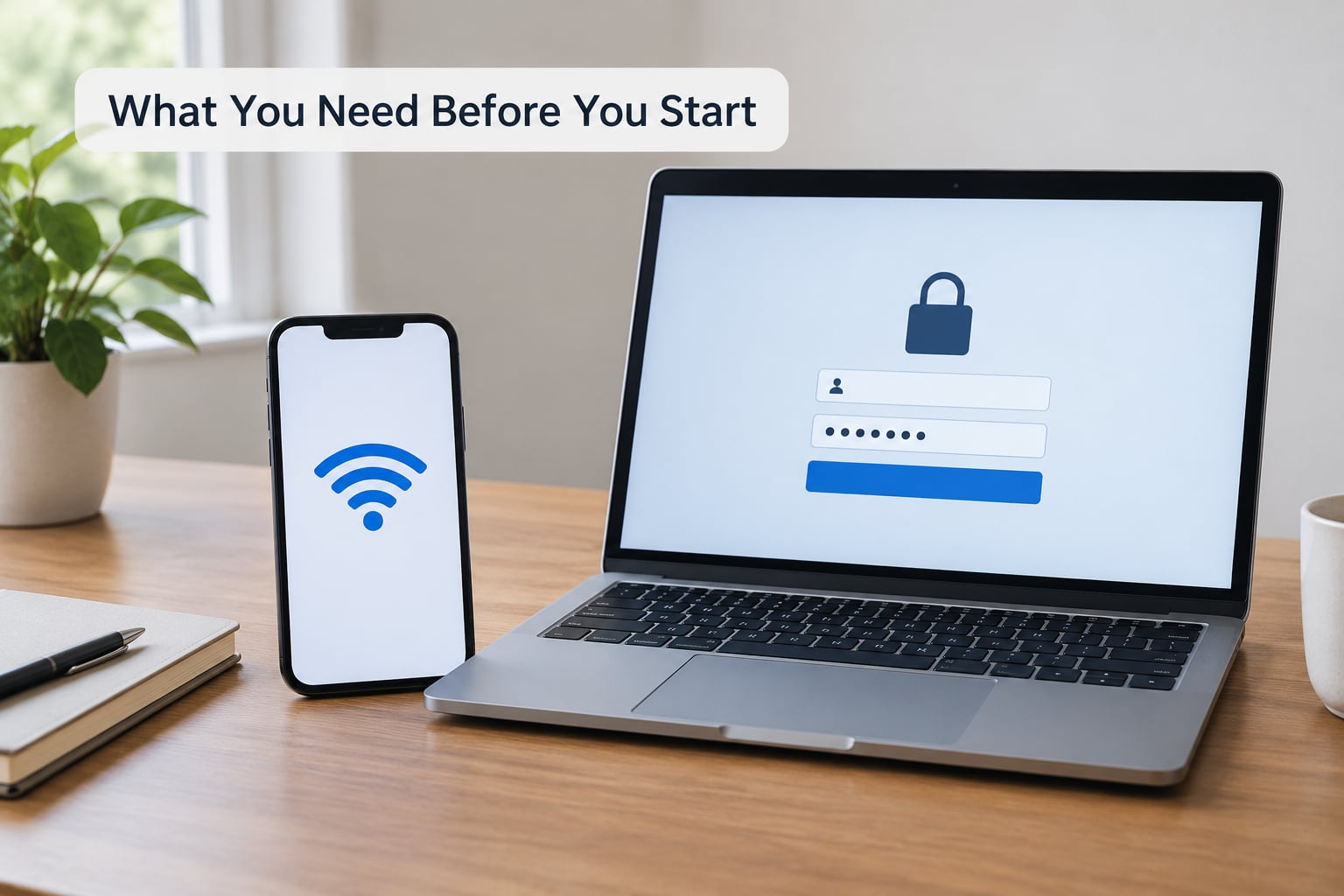
- The password for the Apple Account on the phone. If you have forgotten it, nothing below will work until you recover it.
- The device passcode. You need it to confirm the erase, and it is also the lock a buyer cannot bypass.
- A working internet connection. Signing out of the Apple Account requires a live connection to verify you.
- A recent backup of anything you want to keep, stored in iCloud or on a Mac or Windows computer.
Unpair your Apple Watch while the phone is still signed in, too. An Apple Watch that stays paired to an iPhone you no longer own will keep asking the new owner’s phone to unlock it, and unpairing later is a pain.
Step-by-Step: How to Remove Activation Lock Before Selling iPhone
Step 1: Back Up the iPhone
Open Settings, tap your name at the top of the list, and tap iCloud. From there choose Back Up Now, or use Finder on a Mac or iTunes on a Windows machine for a copy on your computer.
Wait until the line reads Last Backup with a timestamp from today. That timestamp is your proof the copy finished, because a backup that was still running when you started the erase will not save anything.
Step 2: Sign Out of Apple Account
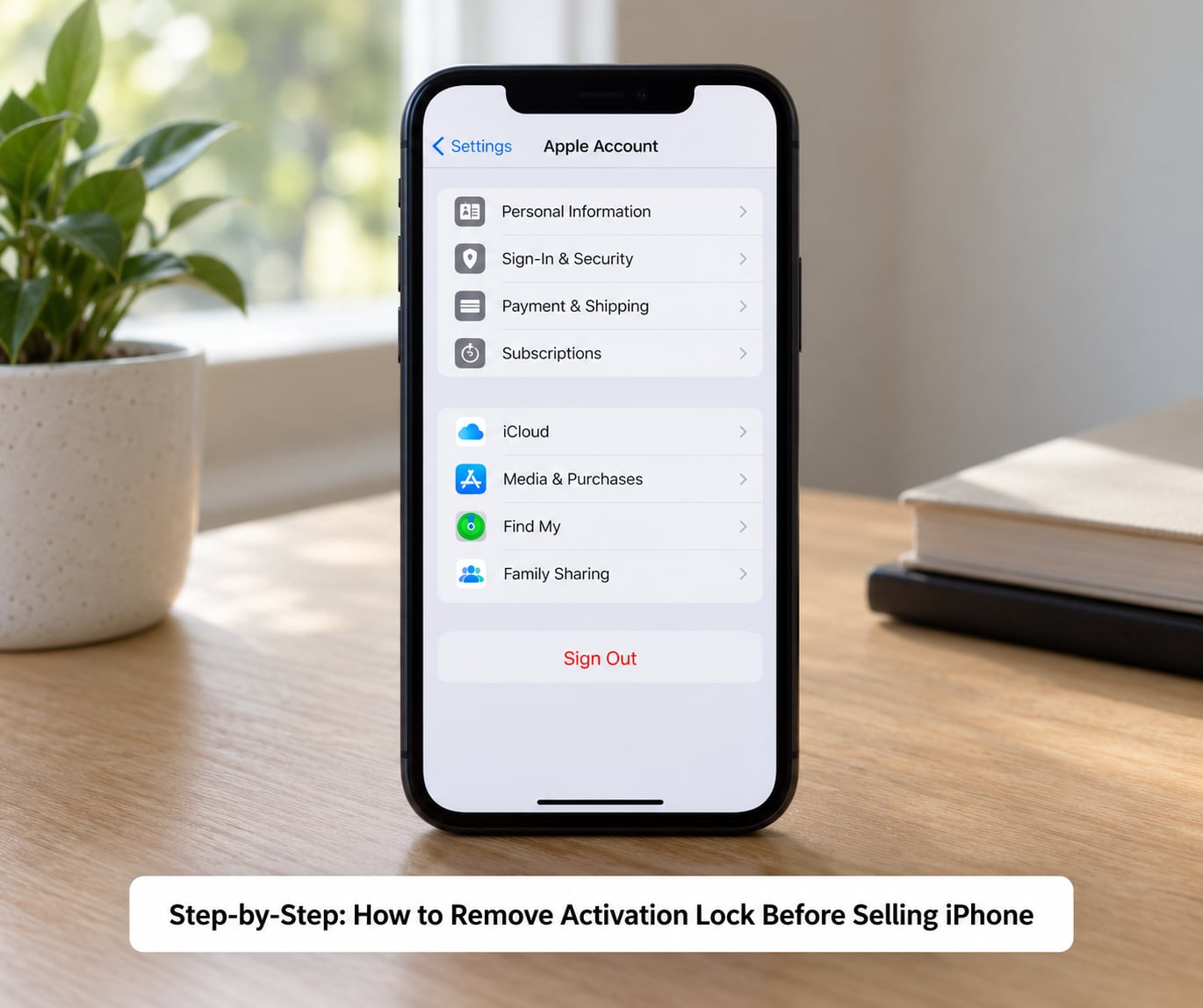
Go back to Settings and tap your name at the top. Scroll to the bottom of that screen and tap Sign Out. You will be asked for the Apple Account password and a two-factor code sent to your other devices.
If you have a subscription or payment method tied to the account, iOS offers to keep some of it active when you sign out on an iPhone with an eSIM. Unsubscribe to anything you do not want billed for later, because cancelling afterwards is slower.
Step 3: Turn Off Find My and Remove the Device
When you tap Sign Out, iOS usually offers a Turn Off Find My toggle on the confirmation sheet. Turn it off there and the device leaves your account as part of signing out. On some accounts the toggle is greyed out, which usually means the account is managed through Family Sharing or a school or work profile.
To check the result, sign in at icloud.com/find from any browser and open Find My or Find Devices. Your old phone should no longer appear in the device list. If it still shows there, sign out on the phone again, or remove it from the browser using the same path you would use for a device you had already given away.
Step 4: Erase All Content and Settings
Open Settings, tap General, then Transfer or Reset iPhone, then Erase All Content and Settings. Confirm the wipe, enter the device passcode, and confirm Erase iPhone on the final screen. The phone restarts and runs through the erase before showing the Hello screen.
On iPhone 13 and newer, open Settings, tap Cellular, then your eSIM plan and choose Remove eSIM. Do this before you wipe the phone. There is no tray to pull and no way to add the plan back once the device is erased.
Step 5: Confirm the Activation Lock Is Gone
Power the phone on after the erase. You should see the Hello screen with the language and region prompts, and no Apple Account field demanding a password.
There are three different screens people confuse here. A network activation message about no SIM or a server connection problem is about carrier networks, not ownership. An Apple Account lock screen asking for someone else’s email is Activation Lock and means the device never left that account. A Remote Management screen naming an organisation means a company or school manages the device and only that administrator can lift it.
Common Mistakes That Leave Buyers Locked Out
Forgetting the Apple Account password
Use Apple’s account recovery page to reset the password, then expect a waiting period where some features stay unavailable on the phone. If the account was never yours at all, whoever set the device up has to be the one to remove it, and that is true even with the box and the receipt in your hand.
Leaving Find My turned on
Find My is what activates the lock in the first place. If you erase the phone but the device is still sitting in your Find My list, the next person to power it on gets your Apple Account prompt. Confirm the device is gone from icloud.com before the handover, not just gone from the Settings app.
Assuming Erase All Content and Settings removes the lock
This is the most common belief and it is wrong. Erasing wipes the phone’s own storage, but Activation Lock is a server-side flag on your Apple Account. Think of it as the phone asking Apple whether it is allowed to set up, and Apple asking your account whether it should say yes.
Letting a buyer sign into their own Apple Account
Sellers complain about this constantly after mailing a phone in for inspection or leaving it with a buyer for an hour. Once someone else’s Apple Account is signed in on a device still linked to yours, you have lost your own access. Never let a stranger hold your unlocked phone long enough to go through setup, and meet in person wherever you can.
Paying someone to bypass the lock
No paid service can remove a server-side lock. DNS trick videos and unofficial unlocking tools either do nothing on a modern iPhone or take your money and leave you worse off, and any site promising an instant bypass is running a scam.
How to remove Activation Lock if you already sold the phone
Sign in at icloud.com/find, choose your device in Find My or Find Devices, then tap Erase This Device followed by Remove This Device. If the phone is offline, Apple removes it from the account after 30 days, and if it reconnects to a network while you are still signed in before then, the lock switches back on and you start over. Marking a device Ready for Repair or Trade In is the option that works on a phone you cannot erase remotely because it is still online.
Removing Activation Lock without the previous owner
You cannot, and any honest guide will tell you so. The only route is an Activation Lock Removal Request through Apple Support, which needs proof of purchase showing the device serial number, the seller and the purchase date, and it is frequently refused even with a genuine receipt. Forum advice on this point is consistent: an unreachable previous owner usually means the phone stays unusable.
Frequently Asked Questions
Will a factory reset remove the activation lock?
No. A factory reset wipes the phone’s storage but Activation Lock is a server-side flag on the Apple Account, so the lock survives every erase. The buyer still sees iPhone Locked to Owner and must be given the Apple Account password. Remove the lock by signing out and removing the device from your account before you erase.
Can you sell an iPhone with an activation lock still on?
You can list it, but most buyers and every trade-in counter will refuse a phone that asks for your Apple Account. Apple Trade In and most carrier buyback schemes require the device to reach the Hello screen with no account prompt, so an activation-locked phone usually gets refused on the spot rather than valued lower.
I forgot my Apple ID and password to remove Activation Lock. What now?
Recover the password through Apple’s account recovery page first, then sign out from Settings and your name. Expect a waiting period where some account features stay unavailable on the phone. If you cannot get into the account, the device cannot be removed from it, and paying a third party to bypass it does not work.
Does removing iCloud from the iPhone delete everything?
Signing out does not erase anything on its own. The data stays on the phone until you run Erase All Content and Settings, which is why you back up first, sign out, turn off Find My, and only then wipe. Do the wipe while still signed in and the device can stay linked to your account the whole time.
How do I remove Activation Lock without the previous owner?
There is no legitimate bypass. The only official route is an Activation Lock Removal Request through Apple Support, which needs proof of purchase listing the serial number, seller and purchase date, and is refused often even with a real receipt. Anyone offering a paid bypass is taking your money, because the lock lives on Apple’s servers.
Can I factory reset my iPhone and give it to someone else?
Only if you signed out and removed the device from your Apple Account first. A factory reset on its own leaves the phone activation locked, and the recipient hits iPhone Locked to Owner on the Hello screen. Back up, unpair your Apple Watch, remove the SIM and eSIM, sign out, turn off Find My, erase, then verify the Hello screen.
Conclusion
Start with the backup, not the erase. Back up the phone, unpair your Apple Watch, pull the SIM and delete the eSIM, sign out of your Apple Account and turn off Find My, then run Erase All Content and Settings and power the phone on to confirm it reaches the Hello screen with no account prompt.
That final check is the whole job. If the Hello screen appears, you have removed Activation Lock and the phone is safe to sell, trade in or hand over.