The fastest way to check if an iPhone is unlocked is to open Settings, tap General, then About, and read the line next to Carrier Lock. If it says No SIM restrictions, the phone works with any compatible carrier. That check takes about thirty seconds and needs nothing but the phone itself.
There is a catch, though. Carrier lock is only one of three separate restrictions that buyers get burned by, and the other two live somewhere else entirely. This guide walks through the Settings check, two supplementary ways to confirm it, and what to verify before you hand over money for a used phone.
Table of Contents
- 1What You Need
- 2How to Check if an iPhone Is Unlocked Using iPhone Settings
- 3Step 1: Open the iPhone Settings App
- 4Step 2: Find the Carrier Lock Option
- 5Step 3: Confirm What the Lock Status Means
- 6How to Check if an iPhone Is Unlocked With the Phone App
- 7How to Check if an iPhone Is Unlocked by Contacting the Carrier
- 8How to Check if an iPhone Is Unlocked Before Buying a Used iPhone
- 9Common Mistakes
- 10Frequently Asked Questions
- 11Does an iPhone saying No SIM Card mean it is unlocked?
- 12Why does my iPhone say Carrier Lock while I do not have that carrier?
- 13Can I check whether an iPhone is unlocked without a SIM card?
- 14What is the difference between an activation lock and a carrier-locked iPhone?
- 15How can I check an iPhone’s IMEI and ask the carrier whether it is unlocked?
- 16Can a used iPhone be unlocked if it is already tied to another Apple Account?
- 17Conclusion
What You Need
For the Settings check you need the physical iPhone, its passcode, and about a minute. That is the whole list.
It helps to have a SIM card from any carrier nearby, or the name of the carrier the phone was sold on. If the phone is already set up, the carrier name usually shows on the lock screen or in the status bar, so even that is often unnecessary.
You do not need an internet connection, an Apple Account, or the original box for the basic check. Those matter for a full second-hand purchase verification, which I cover further down.
How to Check if an iPhone Is Unlocked Using iPhone Settings
Here is the short version, then the detail:
- Open Settings, tap General, then About.
- Scroll to the Carrier Lock field.
- No SIM restrictions means unlocked. A carrier name next to it means carrier locked.
- A blank field usually means no SIM has been in the phone since setup, so treat it as unconfirmed.
Step 1: Open the iPhone Settings App
Wake the phone and open Settings. On some devices that means swiping up past the lock screen, not tapping a home button, so check whether Face ID or Touch ID is already doing the work for you.
If the passcode is forgotten, you cannot read this screen. Nothing online will tell you the answer either, since the lock status lives on the handset. Recovery means resetting the phone through a computer or another iPhone, which erases the data you may want to inspect, so do the check before any reset.
Step 2: Find the Carrier Lock Option
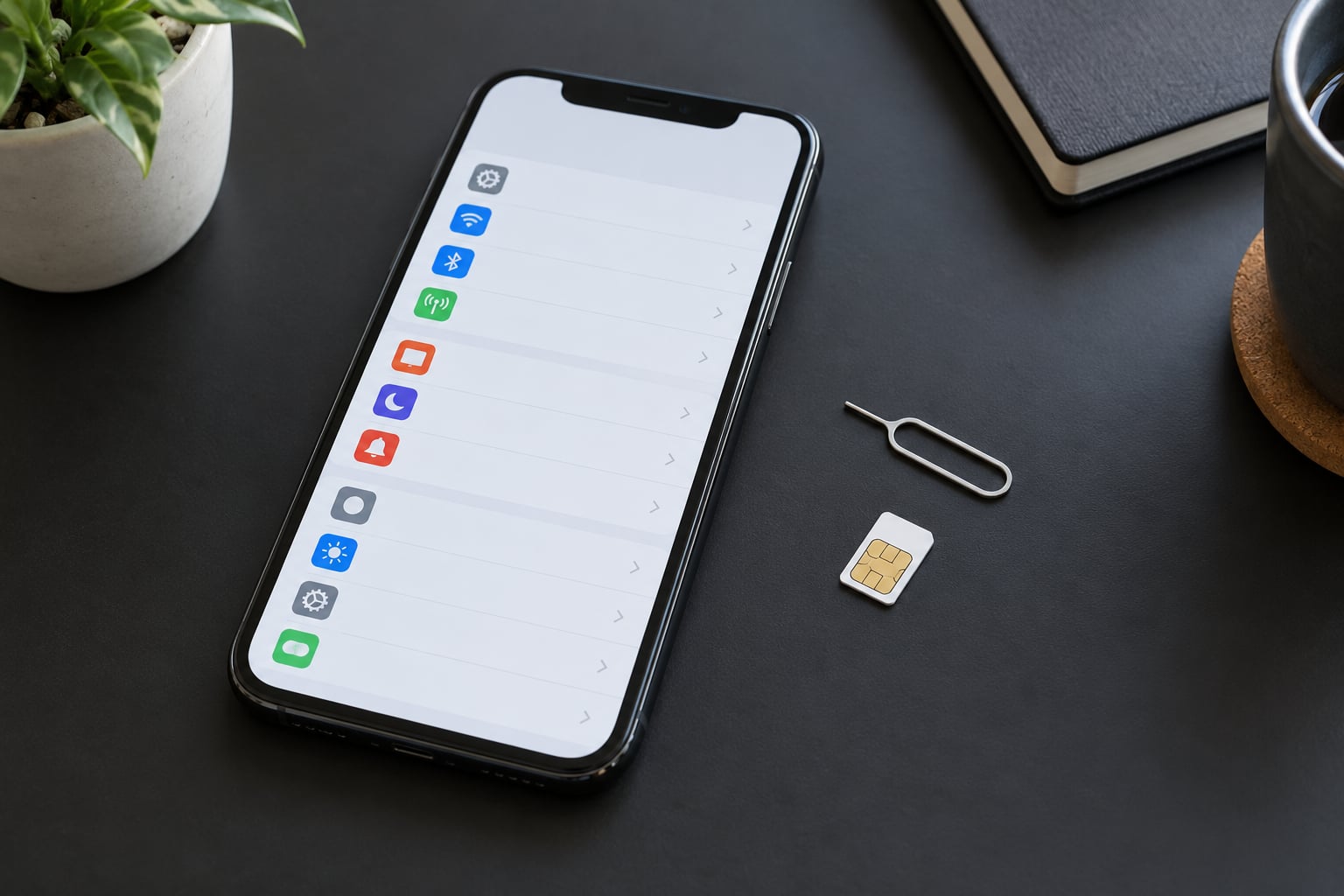
Tap General, then About. The About screen lists the model number, serial number, and IMEI, and the Carrier Lock field sits among them, usually a few lines down.
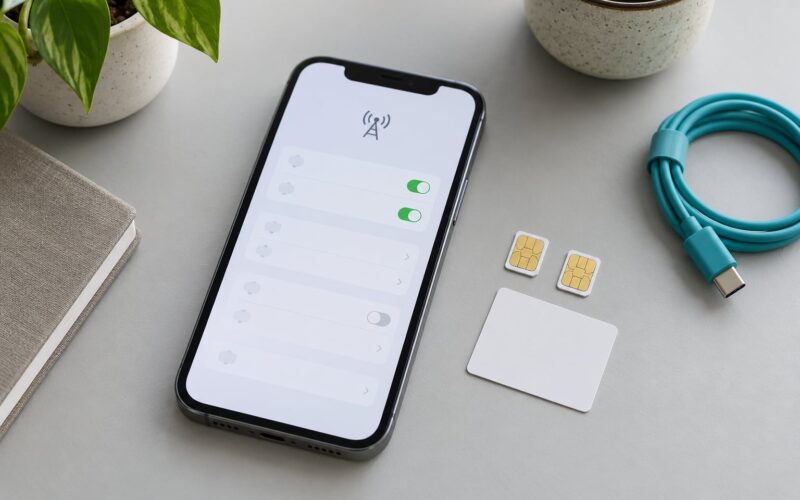
Menu names move a little between iOS versions. On some releases the carrier information sits under Settings, then Carrier, directly under the Wi-Fi and Bluetooth toggles. If you cannot spot Carrier Lock under About, check the Carrier screen before assuming the phone is unusual.
The carrier name matters too. An iPhone bought from a carrier shows that carrier’s name next to the field, which tells you who holds the unlock.
Step 3: Confirm What the Lock Status Means
Three outcomes cover almost every case. No SIM restrictions is unlocked. A carrier name is a carrier lock. A completely empty field means the phone has probably never had a SIM inserted since it was set up, which is common on eSIM-only devices and on fresh units.
An empty field is not proof of anything. Users on forums like reddit.com/r/iphone have posted about devices that showed a blank carrier field while still refusing a new SIM, so treat blank as unknown rather than unlocked.
An activation message is a different thing entirely. If the phone greets you with an activation screen, it is telling you it has not been set up on a network yet, not that a carrier is holding it hostage.
How to Check if an iPhone Is Unlocked With the Phone App
Open the Phone app and dial *#06#. The IMEI and IMEI 2 appear on screen, and you can tap and hold to copy them. Settings, General, About shows the same numbers if the Phone app will not cooperate.
Neither of those screens tells you the lock status directly. What you do with the IMEI is hand it to a carrier or a lookup service, and that is the subject of the next section.
There is also a check in Settings, then Privacy and Security, then Analytics and Improvements that reports what is sent to Apple, including diagnostics. It is not an unlock checker, though some guides describe it as one, and reading too much into it wastes time.
How to Check if an iPhone Is Unlocked by Contacting the Carrier
Most carriers will confirm lock status from an IMEI over the phone, in chat, or through a public IMEI checker on their own site. A carrier’s own tool is worth more than a third-party site, because it reflects the same database the unlock request goes through.
Ask for the carrier the phone was originally sold to, not just the carrier whose logo appears on it. A Verizon-branded phone with an AT&T SIM on it still belongs to Verizon for unlock purposes, and Verizon will not answer questions about an AT&T IMEI.
Carriers often ask for proof of ownership before releasing a lock. Have the device in hand, and be ready to state the IMEI, the account holder’s name, and the account passcode. If the seller will not give you the IMEI before the sale, that tells you something.
For eSIM-only buyers this is the practical route. Without a physical SIM tray, adding a competitor’s eSIM plan is the one real-world test, and it only works once the phone has been through setup.
How to Check if an iPhone Is Unlocked Before Buying a Used iPhone
Carrier freedom is one of three checks. Walk through all three before you pay.
- Carrier lock. Confirm No SIM restrictions in Settings, then confirm the same IMEI with the carrier that originally sold the phone.
- Activation Lock. The seller must sign out of their Apple Account and remove the device from Find My on their own account. If they ask you to enter their Apple ID on a phone you do not own yet, walk away.
- Blacklist or MDM lock. An IMEI that is blacklisted for non-payment still passes the Settings check but will not activate anywhere. Ask the carrier or a lookup service for blacklist status and mobile device management status on the same IMEI.
Then look at the ordinary condition stuff: battery health in Settings, Battery, Battery Health and Charging, remaining storage, and whether the camera lenses are scratched. Reset the phone in front of the seller and confirm that it reaches the hello screen rather than an activation notice.
One more habit worth keeping: get the IMEI from the seller in writing before you meet. It costs nothing and it lets you run every check above while the phone is still in their hands.
Common Mistakes
Treating No SIM Card as proof. No SIM Card only means the phone cannot find a network. It says nothing about which networks the hardware is permitted to join. The Settings field, not the missing card, is the answer.
Confusing activation with a carrier lock. An activation screen means setup is pending. Only a carrier name in the Carrier Lock field tells you a network provider is restricting the phone.
Assuming a factory reset frees the phone. Resetting clears data and removes the Apple Account from the phone, but a carrier lock lives in the baseband firmware and stays put. Users expecting a reset to fix a locked phone are disappointed every time.
Believing *#21*# shows unlock status. It does not. That code opens the call-forwarding status page, which is useful when checking whether a phone inherited forwarding rules from someone else, and useless for carrier locks.
Running the IMEI through one random site. Free checkers are inconsistent about blacklist and MDM data, which is precisely the information a buyer cannot verify any other way. Use the original carrier first, then a second source for the blacklist question.
Two habits tighten everything up. Check twice, on two different screens, before the phone leaves your sight. And when a result is unclear, treat it as locked until a carrier confirms otherwise.
Frequently Asked Questions
Does an iPhone saying No SIM Card mean it is unlocked?
No. That message only tells you the phone has no SIM inserted or cannot find a network. Carrier freedom is reported in Settings, General, About, next to Carrier Lock. No SIM restrictions means unlocked, a carrier name means locked, and a blank field means the phone has not had a SIM since setup.
Why does my iPhone say Carrier Lock while I do not have that carrier?
The phone was sold or financed by that carrier, and the lock stays with the device until the carrier releases it, even if you now pay someone else. The field records the original network provider. Ask that carrier to check the IMEI, because a different carrier cannot unlock a device it never issued.
Can I check whether an iPhone is unlocked without a SIM card?
Yes, for the Settings check. Open Settings, General, About and read Carrier Lock without any SIM present. What you cannot do is test it in practice, since inserting a competitor SIM or adding another carrier’s eSIM plan is the only hands-on proof. On an eSIM-only model, the carrier lookup is your test.
What is the difference between an activation lock and a carrier-locked iPhone?
A carrier lock restricts which networks the phone may join, and it is released by the carrier. Activation Lock, also called Find My iPhone lock, is Apple software tied to the previous owner’s Apple Account. It follows the account rather than the network, and only the account holder can remove it from Find My.
How can I check an iPhone’s IMEI and ask the carrier whether it is unlocked?
Dial *#06# in the Phone app, or read the IMEI under Settings, General, About. Give that number to the carrier that originally sold the phone, through its chat line, phone support, or public IMEI checker on its own website. Have the device in hand and be ready to confirm account details, since carriers verify ownership before answering.
Can a used iPhone be unlocked if it is already tied to another Apple Account?
The phone can be unlocked once the previous owner removes it from their Find My list and signs out, which clears Activation Lock. Only that owner can do it, using their own password, and nobody else should be asked for those credentials. The carrier lock is a separate matter and can be released independently with the IMEI.
Conclusion
Start in Settings, General, About, and read Carrier Lock. If the result is anything other than No SIM restrictions, take the IMEI to the carrier that originally sold the phone and get a direct answer before you commit to the purchase.
Keep the three locks apart in your head. Carrier lock, Activation Lock and blacklist status are separate problems with separate owners, and only the first one shows up in Settings.